




USB-C Docking Stations for Laptops and Monitors


-
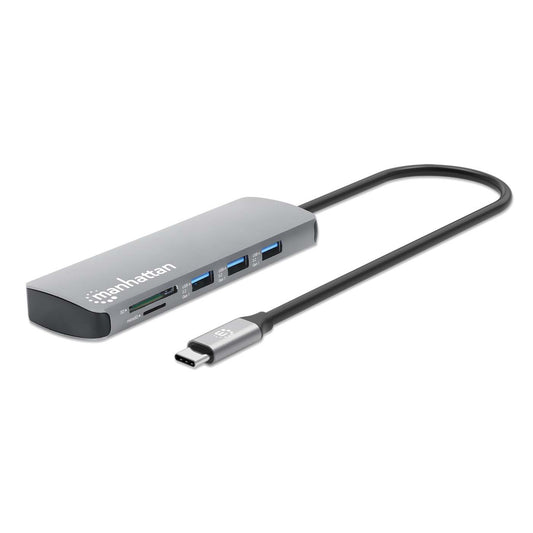
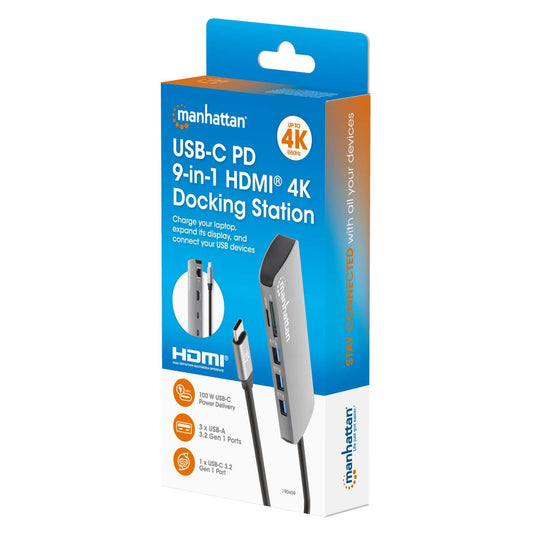
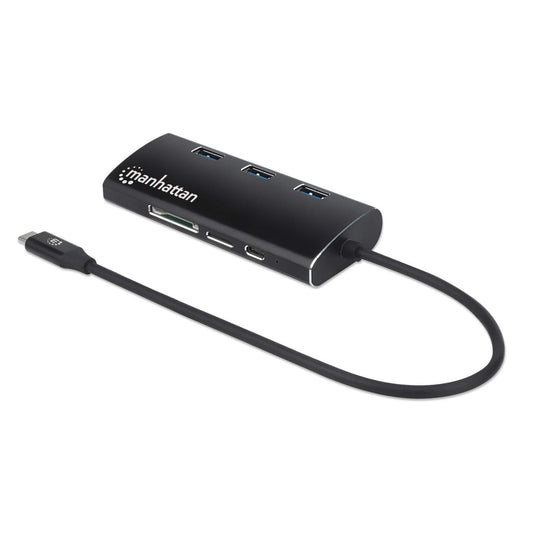
USB-C PD 9-in-1 HDMI 4K Docking Station / Multiport Hub
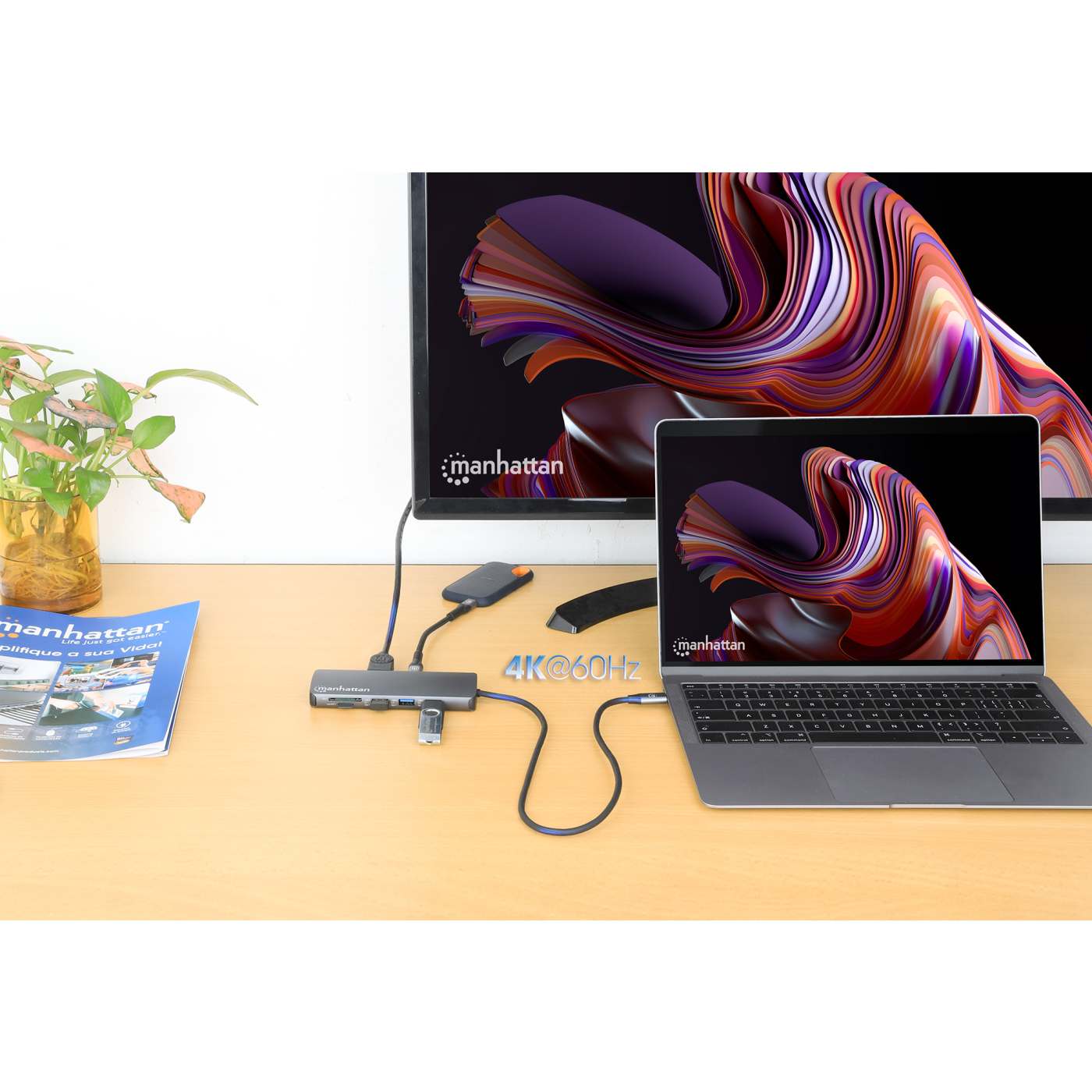
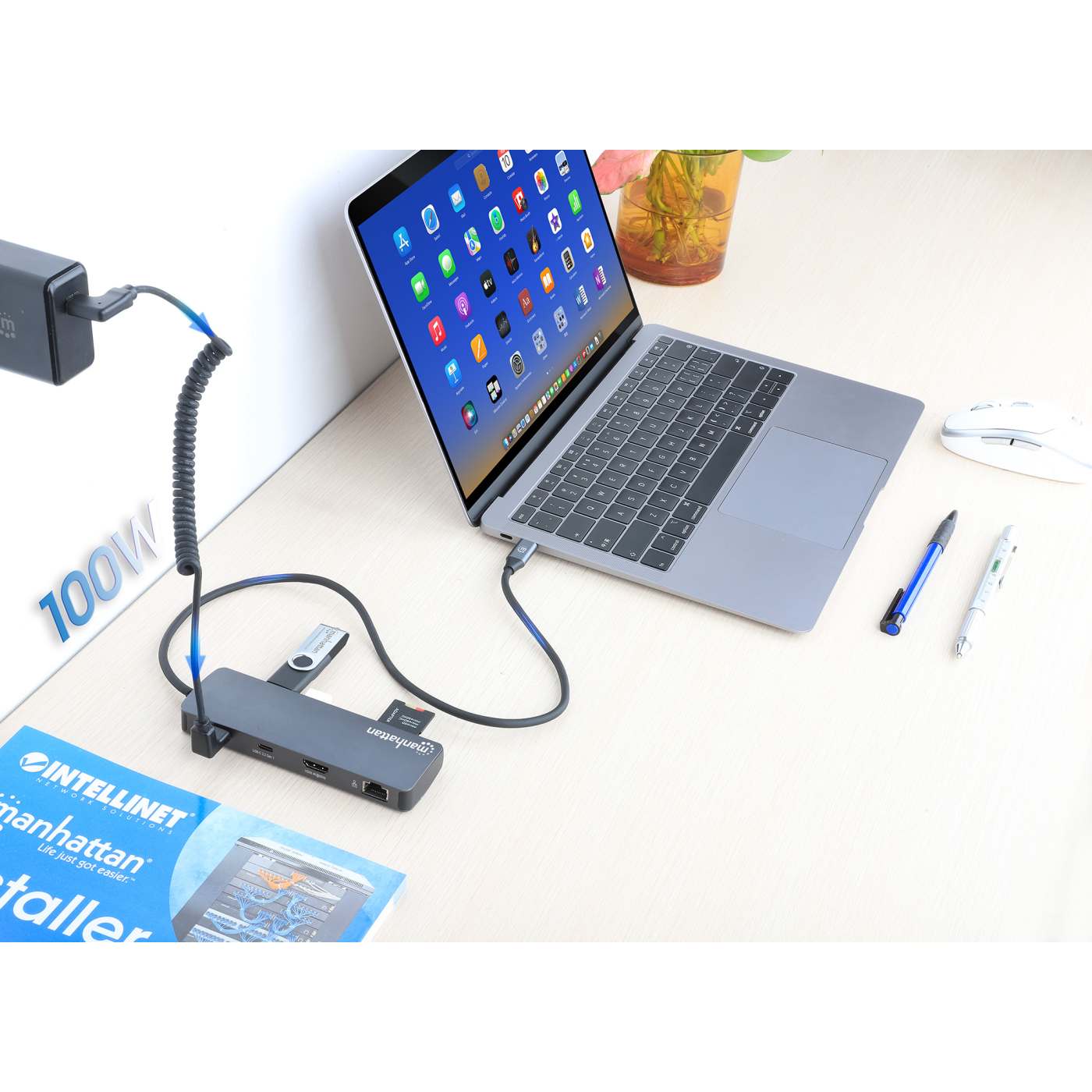
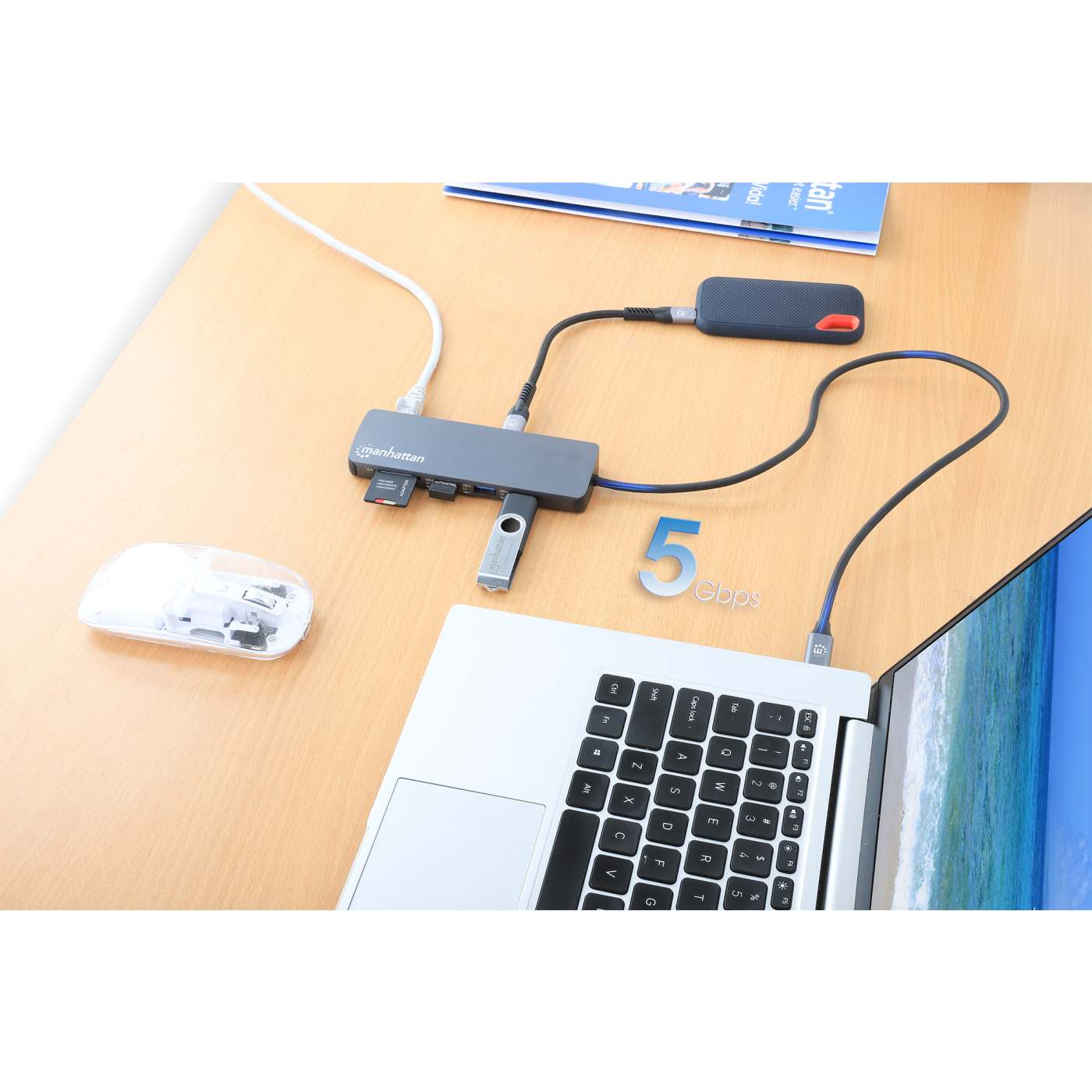
USB 3.2 Gen 1 Type-C Male to HDMI (4K@60Hz), Three USB-A (5 Gbps), USB-C Power Delivery (100 W), USB-C Data (5 Gbps), SD/microSD Card Reader and Gigabit Ethernet Ports, Aluminum, Space GrayPart-No.: 190459Regular price €44,99Regular priceUnit price per -
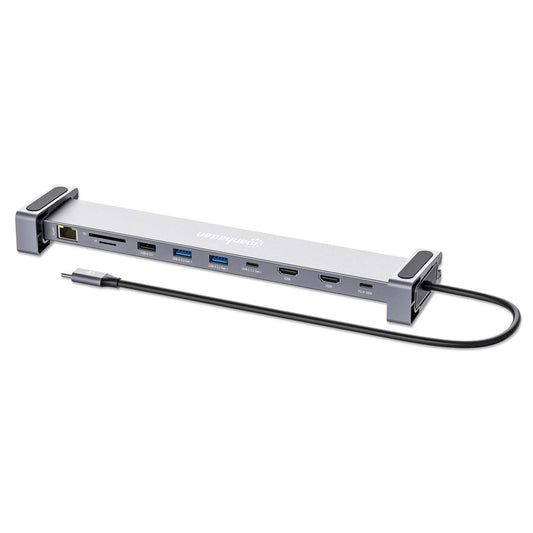
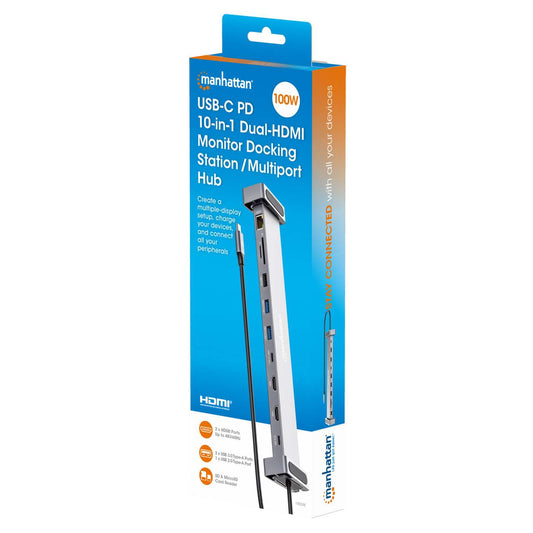
USB-C PD 10-in-1 Dual-HDMI Monitor Docking Station / Multiport Hub
USB 3.2 Gen 1 Type-C Male to Two HDMI (up to 4K@60Hz), Three USB-A (up to 5 Gbps), USB-C Power Delivery (100 W), USB-C Data (5 Gbps), SD/microSD Card Reader, and Gigabit RJ45 Ports, Aluminum, SilverPart-No.: 190398Regular price €109,99Regular priceUnit price per -
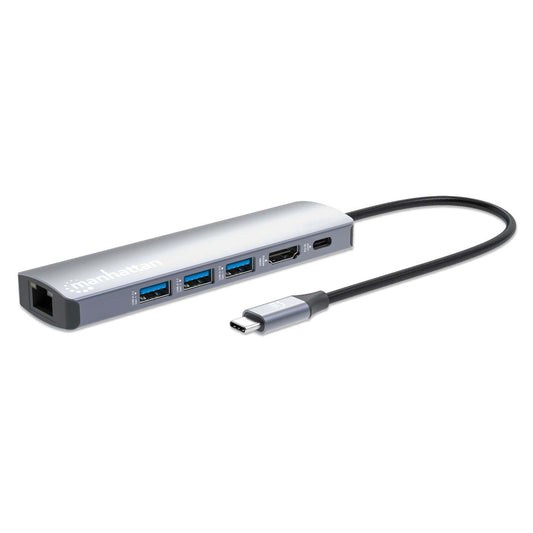
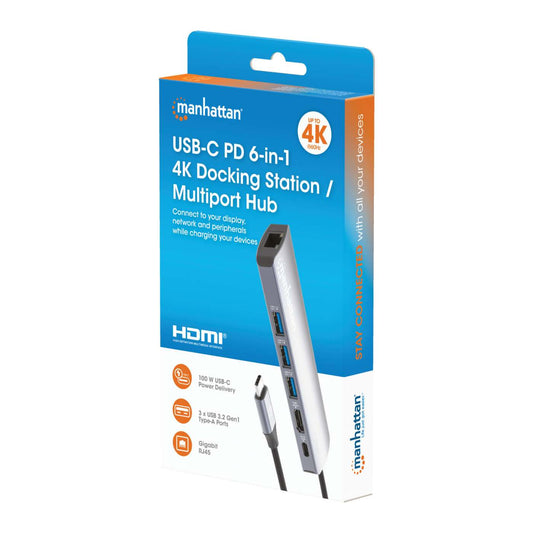
USB-C PD 6-in-1 4K Docking Station / Multiport Hub
USB 3.2 Gen 1 Type-C Male to HDMI Port (4K@60Hz), Three USB-A Ports (5 Gbps), USB-C Power Delivery Port (100 W) and Gigabit RJ45 Port, Aluminum, SilverPart-No.: 153959Regular price €60,99Regular priceUnit price per -
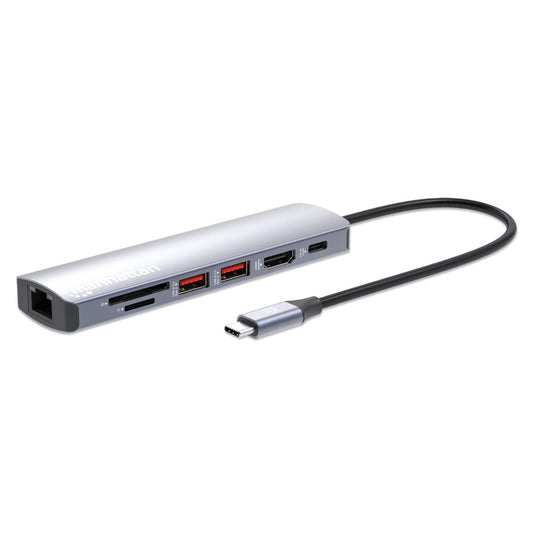
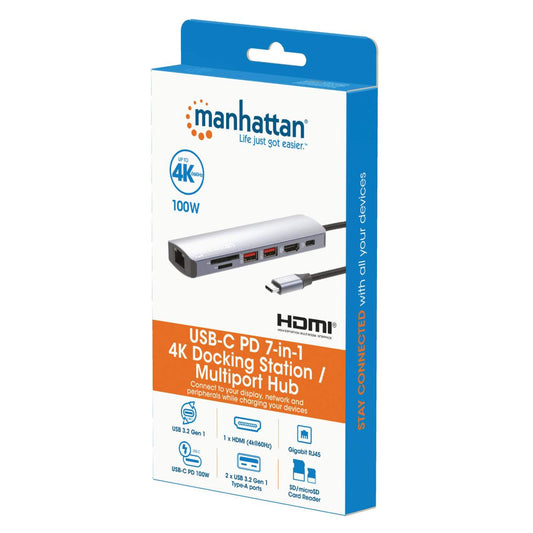
USB-C PD 7-in-1 4K Docking Station / Multiport Hub
USB 3.2 Gen 2 Type-C Male to HDMI Port (4K@60Hz), Two USB-A Ports (10 Gbps), USB-C Power Delivery Port (100 W), Gigabit RJ45 Port and SD/microSD Card Reader, Aluminum, SilverPart-No.: 153966Regular price €85,99Regular priceUnit price per -
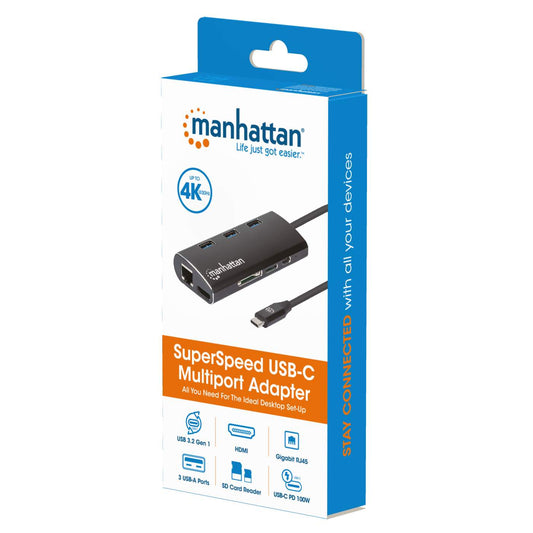
SuperSpeed USB-C Multiport Adapter
USB 3.2 Gen 1 Type-C Male to HDMI (4K@30Hz) Female, Three Top-Mounted SuperSpeed USB-A Ports, USB-C Power Delivery (PD 3.0) Port, Gigabit RJ45 Port and SD/MicroSD Card Reader; Aluminum, BlackPart-No.: 152440Regular price €60,99Regular priceUnit price per -
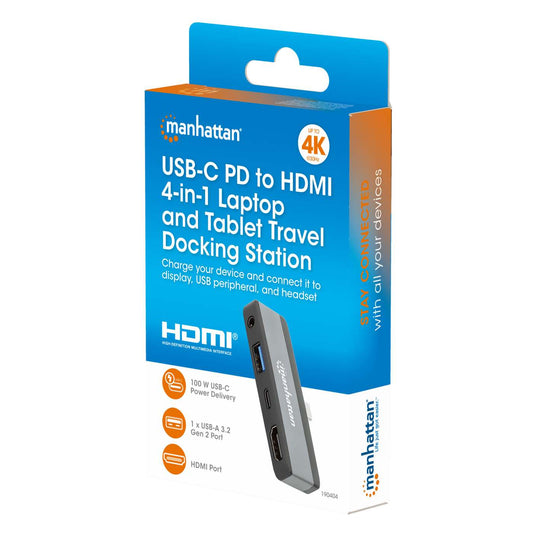
USB-C PD to HDMI 4-in-1 Travel 4K Docking Station for Tablet, Phone, and Laptop
USB 3.2 Type-C Male to HDMI (4K@30Hz), USB-A (10 Gbps), USB-C Power Delivery (100 W) and 3.5 mm Audio Ports, Multiport Converter with Pass-through Charging Port, Aluminum, Black/Space GrayPart-No.: 190404Regular price €24,50Regular priceUnit price per -
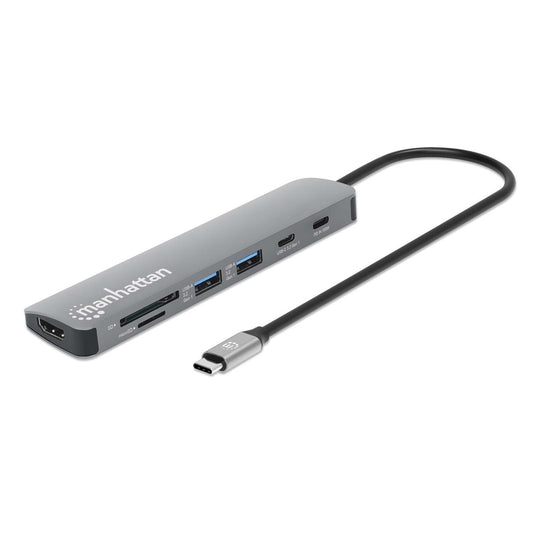
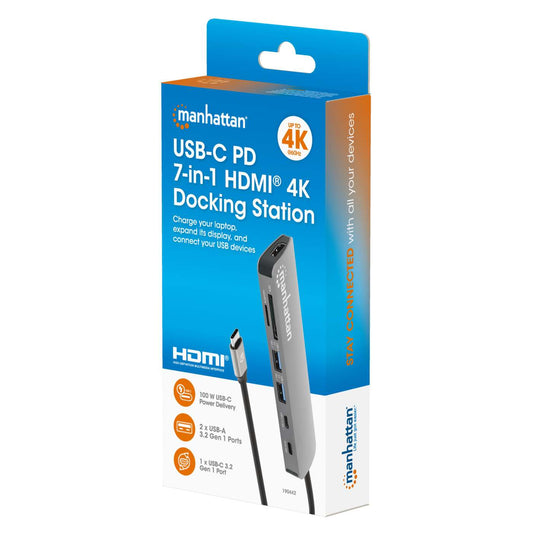
USB-C PD 7-in-1 HDMI 4K Docking Station / Multiport Hub
USB 3.2 Gen 1 Type-C Male to HDMI (4K@60Hz), Two USB-A (5 Gbps), USB-C Power Delivery (100 W), USB-C Data (5 Gbps) and SD/microSD Card Reader Ports, Aluminum, Space GrayPart-No.: 190442Regular price €49,99Regular priceUnit price per -
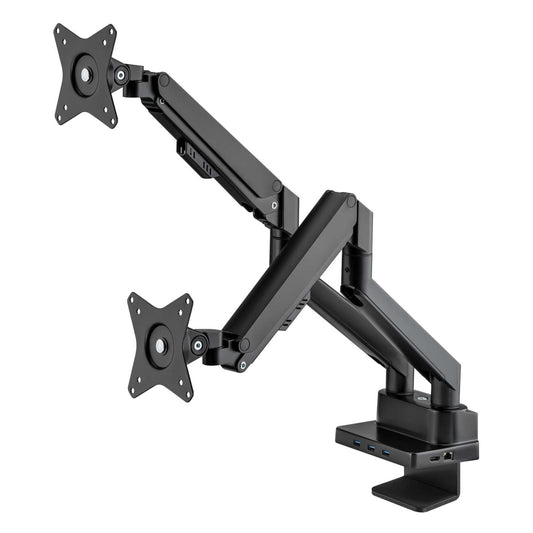
Aluminum Gas Spring Dual Monitor Desk Mount with 8-in-1 Docking Station
Full-Motion Arms Supporting Two 17" to 32" Monitors up to 9 kg (19.8 lbs.) Each; USB-C Connectivity with 100 W Power Delivery, Two 4K HDMI Ports, Three USB 3.0 Ports, Gigabit RJ45 Port, BlackPart-No.: 461887Regular price €363,99Regular priceUnit price per -
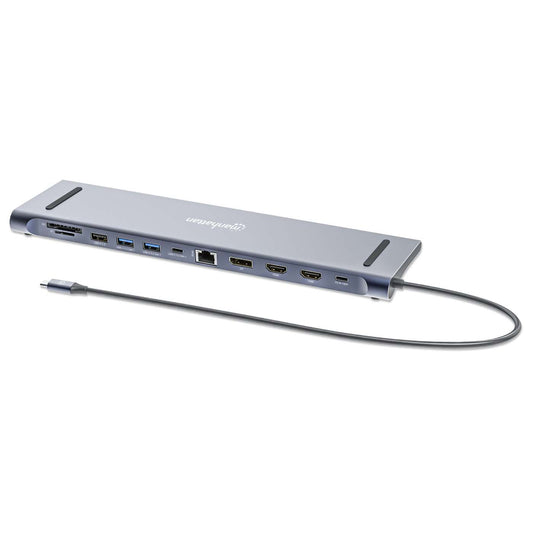
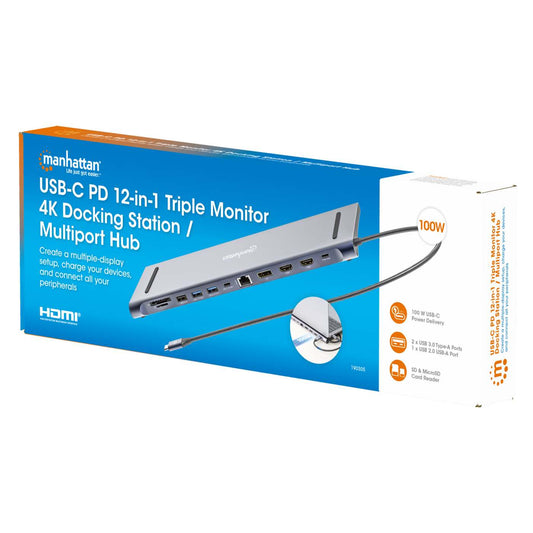
USB-C PD 12-in-1 Triple Monitor 4K Docking Station / Multiport Hub
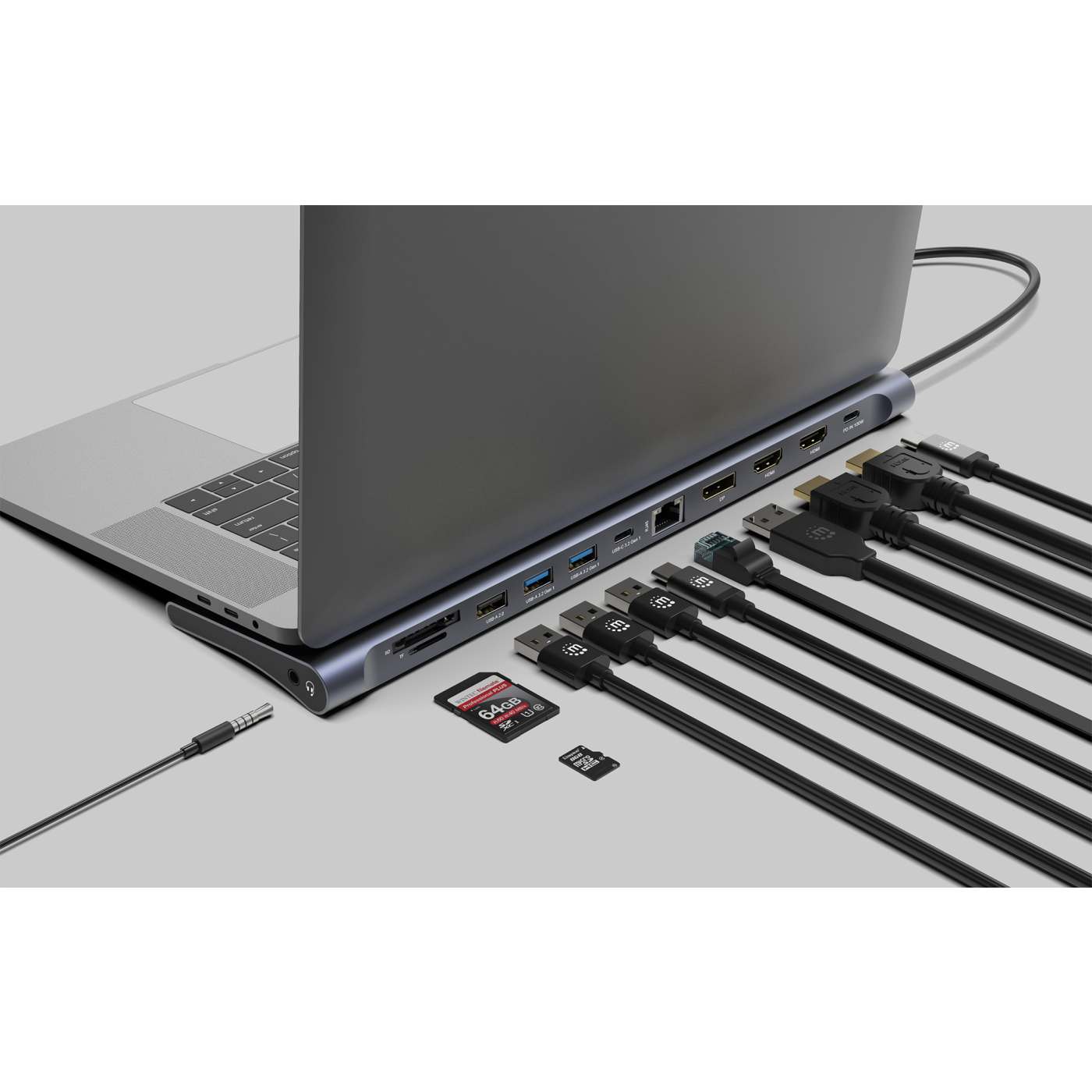
USB 3.2 Gen 1 Type-C Male to Two HDMI (up to 4K@60Hz), One DisplayPort (up to 4K@60Hz), Three USB-A (up to 5 Gbps), USB-C Power Delivery (100 W), USB-C Data (5 Gbps), Gigabit RJ45, SD/microSD Card Reader and 3.5 mm Audio Ports, Aluminum, SilverPart-No.: 190305Regular price €129,99Regular priceUnit price per


-

One-Cable-Solution
One cable to connect it all.
-

Plug & Play
No drivers. Ready to go.
-

Power Delivery
Stay productive with fast, efficient charging.
-

Multi Display Support
For peak productivity and clear overview.
-

Portable & Compact
Light, small, and easy to take anywhere.


Why choose a Manhattan docking station?
 |
 |
 |
 |
 |
 |
 |
 |
 |
 |
|
|---|---|---|---|---|---|---|---|---|---|---|
| Model # | 190404 | 153959 | 153966 | 190442 | 152440 | 130615 | 190459 | 190398 | 153478 | 190305 |
| Product | USB-C PD to HDMI 4-in-1 Travel Docking Station for Tablet, Phone, and Laptop | USB-C PD 6-in-1 4K Docking Station / Multiport Hub | USB-C PD 7-in-1 4K Docking Station / Multiport Hub | USB-C PD 7-in-1 HDMI 4K Docking Station / Multiport Hub | SuperSpeed USB-C Multiport Adapter | USB-C 8-in-1 Docking Station with Power Delivery | USB-C PD 9-in-1 HDMI 4K Docking Station / Multiport Hub | USB-C PD 10-in-1 Dual-HDMI Monitor Docking Station / Multiport Hub | USB-C 11-in-1 Triple-Monitor Docking Station with MST | USB-C PD 12-in-1 Triple Monitor 4K Docking Station / Multiport Hub |
| Total Ports | 4 | 6 | 7 | 7 | 8 | 8 | 9 | 10 | 11 | 12 |
| Displays | 1 | 1 | 1 | 1 | 1 | 1 | 1 | 2 | 3 | 3 |
| Video Ports | HDMI | HDMI | HDMI | HDMI | HDMI | HDMI | HDMI | 2 × HDMI | HDMI + DisplayPort + VGA | 2 × HDMI + DisplayPort |
| Other Ports | USB-A + USB-C PD + Audio | 3 × USB-A + USB-C PD + Ethernet | 2 × USB-A + USB-C PD + Ethernet + SD/MicroSD | 2 × USB-A + USB-C PD + USB-C Data + SD/MicroSD | 3 × USB-A + USB-C PD + Ethernet + SD/MicroSD | 3 × USB-A + USB-C PD + Ethernet + SD/MicroSD | 3 × USB-A + USB-C PD + USB-C Data + Ethernet + SD/MicroSD | 3 × USB-A + USB-C PD + USB-C Data + Ethernet + SD/MicroSD | 3 × USB-A + USB-C PD + Ethernet + SD/MicroSD + Audio | 3 × USB-A + USB-C PD + USB-C Data + Ethernet + SD/MicroSD + Audio |
| Max. Resolution | 4K @30Hz | 4K @60Hz | 4K @60Hz | 4K @60Hz | 4K @30Hz | 4K @30Hz | 4K @60Hz | 4K @60Hz | 4K @30Hz | 4K @60Hz |
| Max. Data Transfer Rate | 10 Gbit/s | 5 Gbit/s | 10 Gbit/s | 5 Gbit/s | 5 Gbit/s | 5 Gbit/s | 5 Gbit/s | 5 Gbit/s | 5 Gbit/s | 5 Gbit/s |
| Power Delivery | Yes, up to 100 W | Yes, up to 100 W | Yes, up to 100 W | Yes, up to 100 W | Yes, up to 100 W | Yes, up to 100 W | Yes, up to 100 W | Yes, up to 100 W | Yes, up to 100 W | Yes, up to 100 W |
| Best For | Travel & basic presentations | Compact home office with 4K | Home office & productivity | Mobile work with many ports | Entry-level & basic setups | Office workstations with Ethernet | Advanced users with many devices | Dual-monitor office setups | Triple-monitor workstations | Professional multi-monitor setups |
| Price | €24,50 | €56,99 |
Bestseller €79,99 |
Bestseller €49,99 |
-33% €59,99 €39,99 |
-19% €89,99 €72,99 |
€36,99 | €109,99 |
-17% €59,99 €49,99 |
Bestseller €129,99 |
How to Set Up a Docking Station

What is a docking station?
A docking station is a device that expands the connectivity of your laptop, tablet, or smartphone by adding additional ports.
Using a single connection, usually USB-C or Thunderbolt, you can connect multiple devices at the same time, such as monitors, keyboards, mice, external storage, or network cables.
This allows you to quickly turn your mobile device into a full workstation for the office, home office, or mobile work setups.
What is the difference between a USB hub and a docking station?
A USB hub mainly expands the number of USB ports available on your device.
A docking station, however, provides additional functionality such as video outputs, network connections, charging capabilities, and multiple types of ports, making it more suitable for a complete workstation setup.
Is the docking station compatible with my laptop?
Many docking stations are compatible with devices that support USB-C with DisplayPort Alt Mode (DP Alt Mode) or Thunderbolt.
This includes many Windows laptops, Apple MacBooks, Chromebooks, and tablets.
To ensure compatibility, check whether your device supports video output through USB-C and which ports are available.
Which docking station do I need for two or three monitors?
If you want to connect multiple monitors, you need a docking station that offers multiple video outputs, such as HDMI or DisplayPort.
Depending on the model, docking stations can support one, two, or even three monitors simultaneously.
It is also important that both your laptop and the docking station support multi-display functionality.
What display resolutions are supported?
Many docking stations support 4K resolution (3840 × 2160 pixels) at 30 Hz or 60 Hz.
Depending on the model and connected devices, some docking stations also support 8K resolution (7680 × 4320 pixels) with compatible hardware.
The maximum supported resolution depends on the docking station, the laptop, and the connected monitors.
Can I connect multiple devices at the same time?
Yes. Docking stations are designed to connect multiple devices simultaneously.
You can connect devices such as monitors, USB peripherals, external storage drives, audio devices, or network cables at the same time.
The number of devices supported depends on the specific docking station model and available ports.
Can I charge my laptop through the docking station?
Yes, our docking stations support USB Power Delivery (PD).
This allows your laptop to charge through the same USB-C cable that is used for data transfer and video output.
Depending on the model, charging power can reach up to 100 W.

What ports do docking stations provide?
Docking stations expand your device with various ports, including:
- USB-A ports for keyboards, mice, or USB drives
- USB-C ports for data transfer or device connection
- HDMI or DisplayPort for external monitors
- Gigabit Ethernet for a stable wired network connection
- SD or microSD card readers
- Audio ports
The exact port configuration depends on the docking station model.
What data transfer speeds do docking stations support?
Data transfer speeds depend on the connection type.
USB-A and USB-C ports support speeds of up to 5 Gbps or 10 Gbps.
Docking stations that use Thunderbolt technology can support even higher data transfer speeds.
All Manhattan models are compatible with USB4® and Thunderbolt™ 3 / 4 interfaces.
What does plug and play mean?
Plug and Play means the docking station is ready to use immediately after it is connected.
No additional drivers or complex setup are required.
Do I need a docking station for my home office?
If you regularly connect monitors, keyboards, mice, storage devices, or network cables to your laptop, a docking station can significantly simplify your workspace.
All devices can be connected through a single cable, creating a clean and efficient desk setup.
Is a docking station suitable for home office and travel?
Yes. Docking stations are ideal for fixed workstations in offices or home offices, but compact models are also convenient for working while traveling.
They easily fit into a laptop bag and provide additional connectivity when your device has limited ports.
What materials are docking stations made of?
Manhattan docking stations feature a durable aluminum housing, which provides stability, efficient heat dissipation, and a premium appearance.
Non-slip feet help keep the docking station securely in place on your desk.
Is there a warranty?
Yes. Manhattan docking stations come with a three-year warranty.
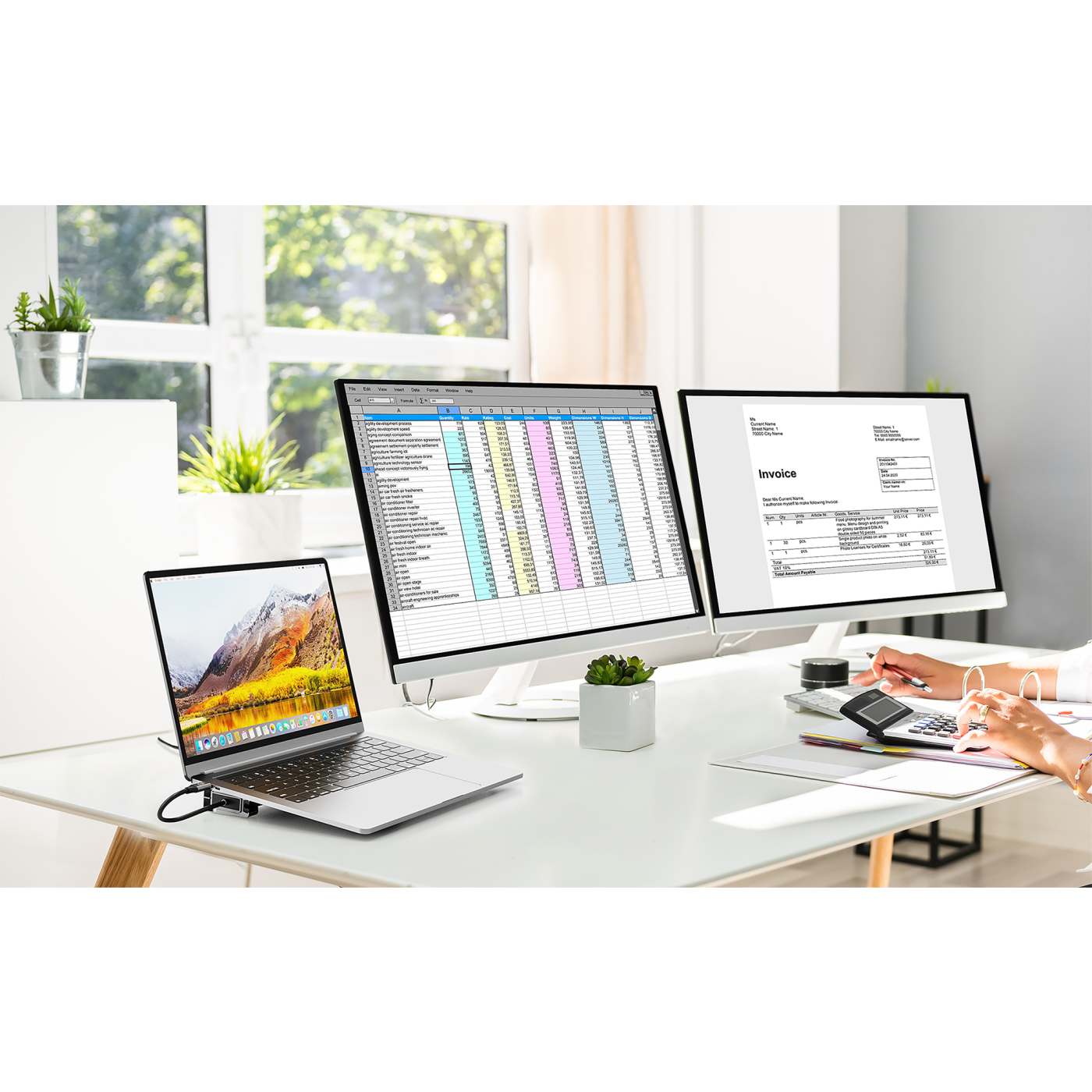
What docking station do I need for my laptop?
Interface Converter, Multiport Adapter, Docking Station – what are the differences?
-

Interface Converter
- Signal conversion is carried out via USB-C on a single interface
- This can include video signal transmission via VGA, HDMI, or DisplayPort, or a conversion to a serial signal
- Makes connecting your laptop to an external display via USB-C simple
-
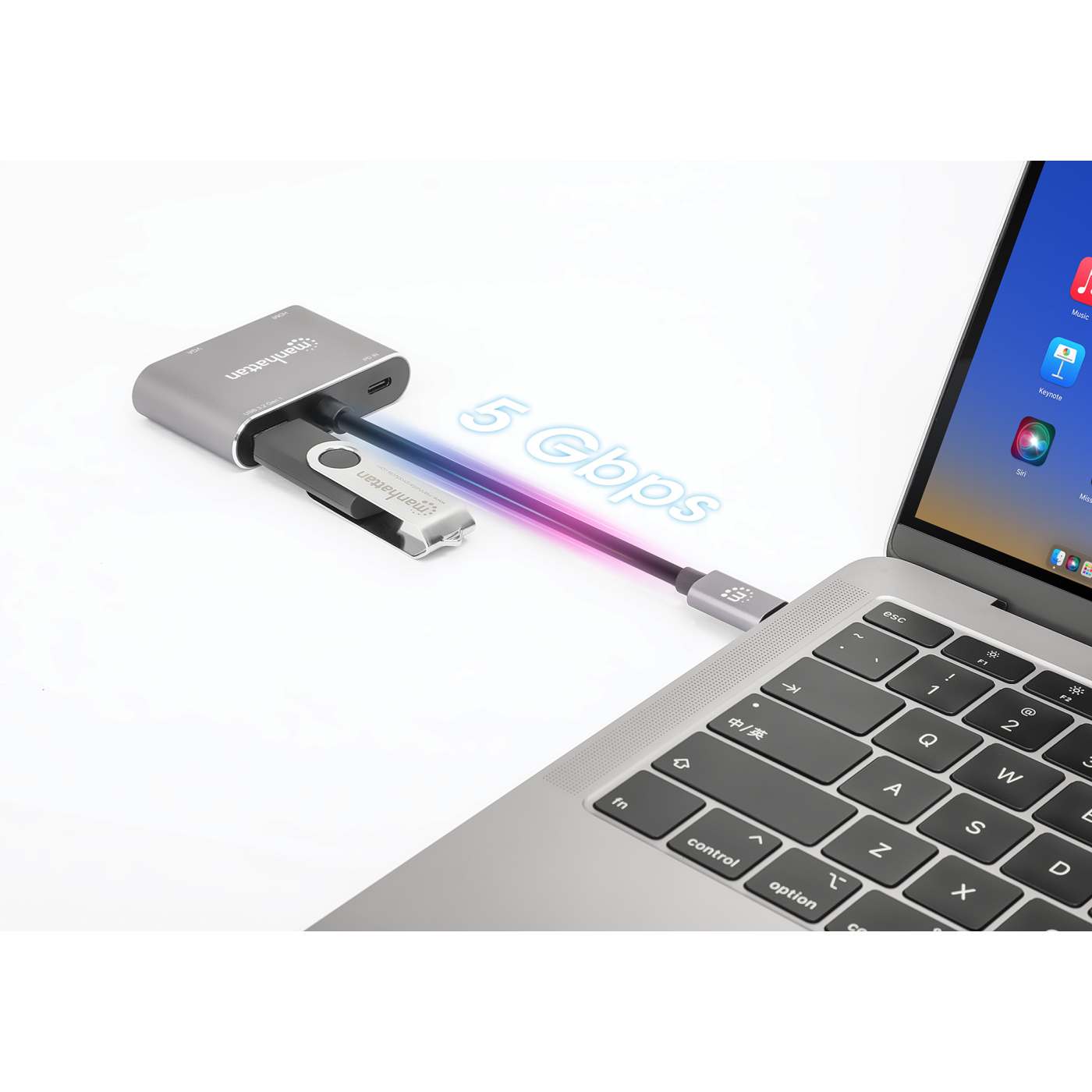
Multiport Adapter
- All essential signals are transmitted via the USB-C port and converted into various outputs
- It is usually combined with Power Delivery to charge connected devices
- In addition to connecting, for example, an external monitor, you can also attach a keyboard or mouse via USB
-
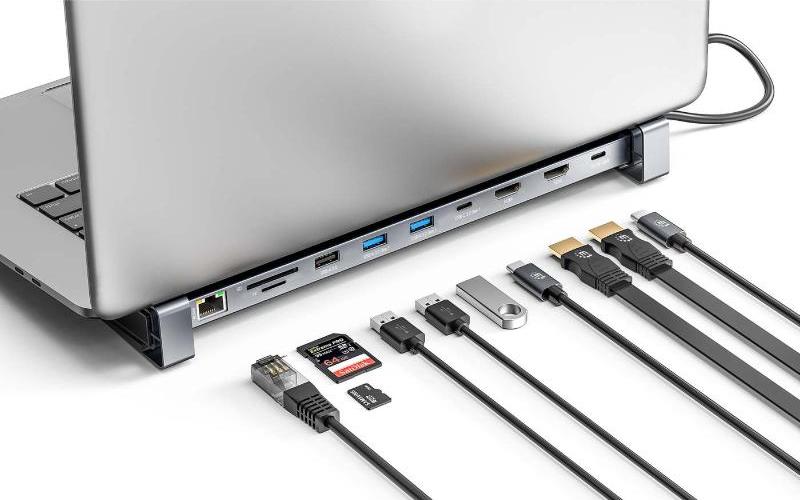
Docking Station
- The USB-C port converts signals so that you can use a wide variety of interfaces
- This allows you to easily connect all essential peripherals, such as monitors, keyboards, and mice
- This way, you can conveniently turn your device into a fully functional desktop setup

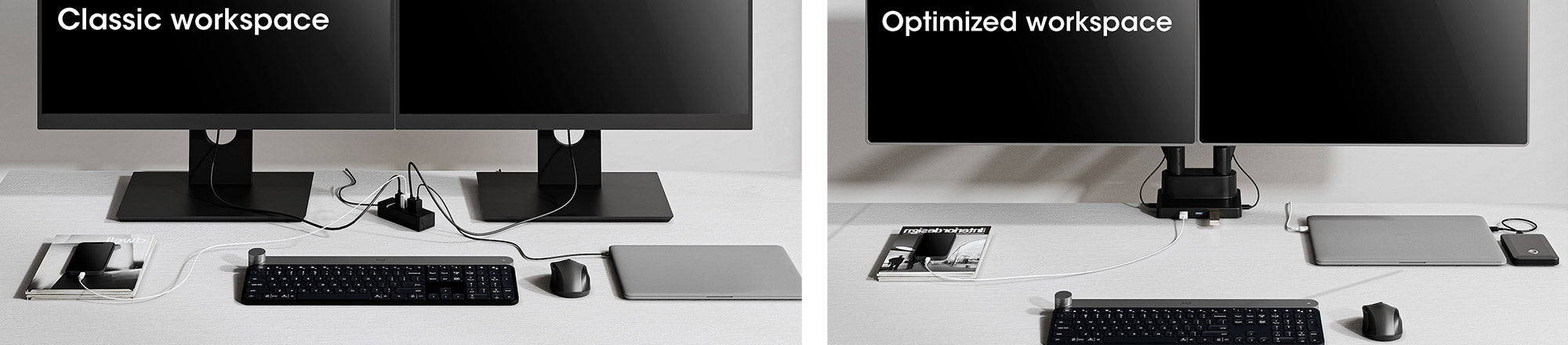
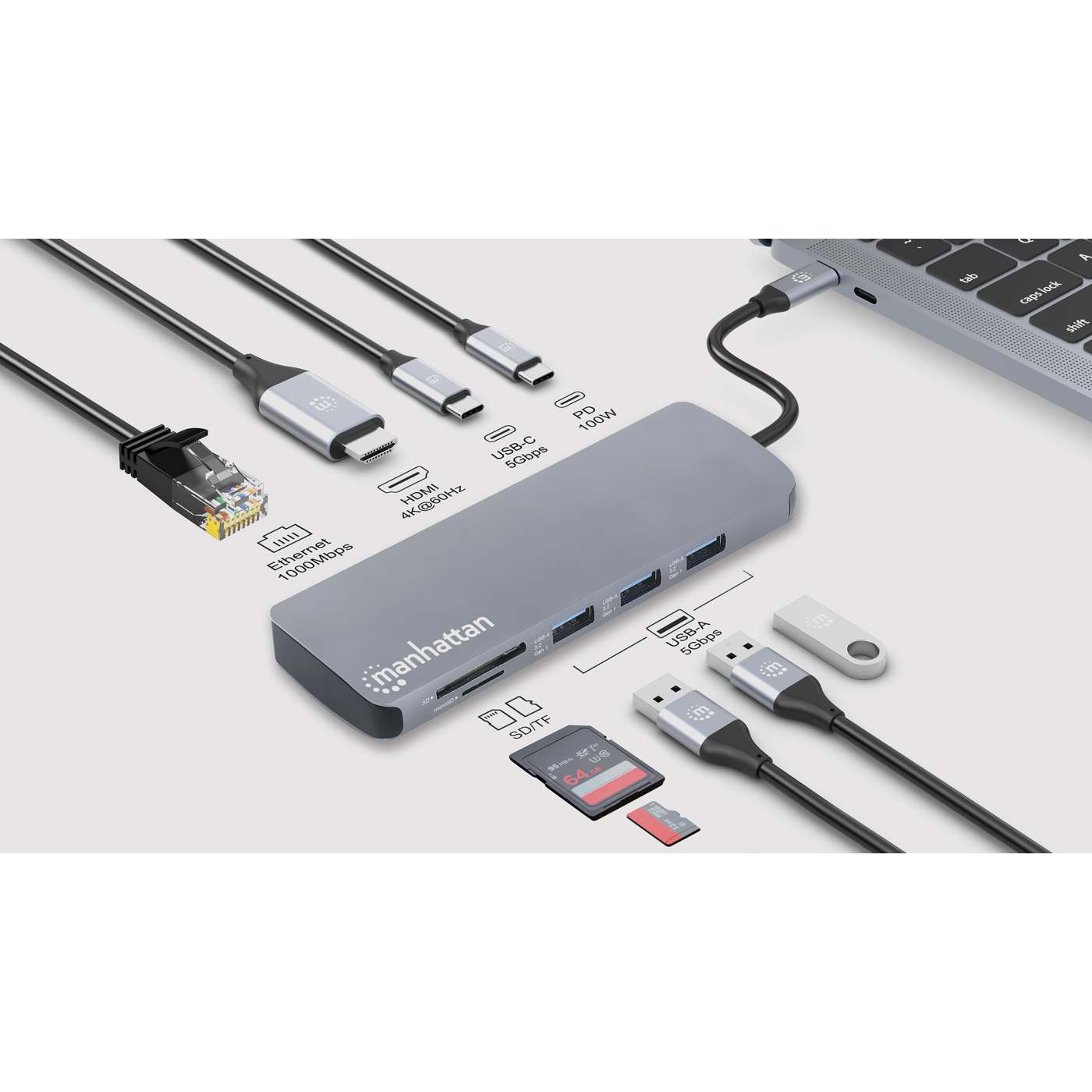
Introducing: Our New Manhattan USB-C 9-in-1 Docking Station
With a total of 9 ports, this docking station offers a wide range of connectivity options for all your devices.
Despite its versatile functionality, it remains compact and space-saving, making it perfect for both your desk and on the go.
Ckeck out the product page for more details.

