




Smart accessories for a clean, efficient, and flexible workspace
-
Ergonomic Setups
Monitor mounts for greater comfort and organization
-

Smart Connectivity
Docking stations and USB solutions
-

Comfort & Control
Mice and keyboards for productive workdays
-

Clear Communication
Headsets and audio solutions for meetings and calls
-

Mobile & Flexible
Bags and accessories for working on the go
-

Plug & Play
Quick setup for modern workspaces


Ergonomics for the Home Office
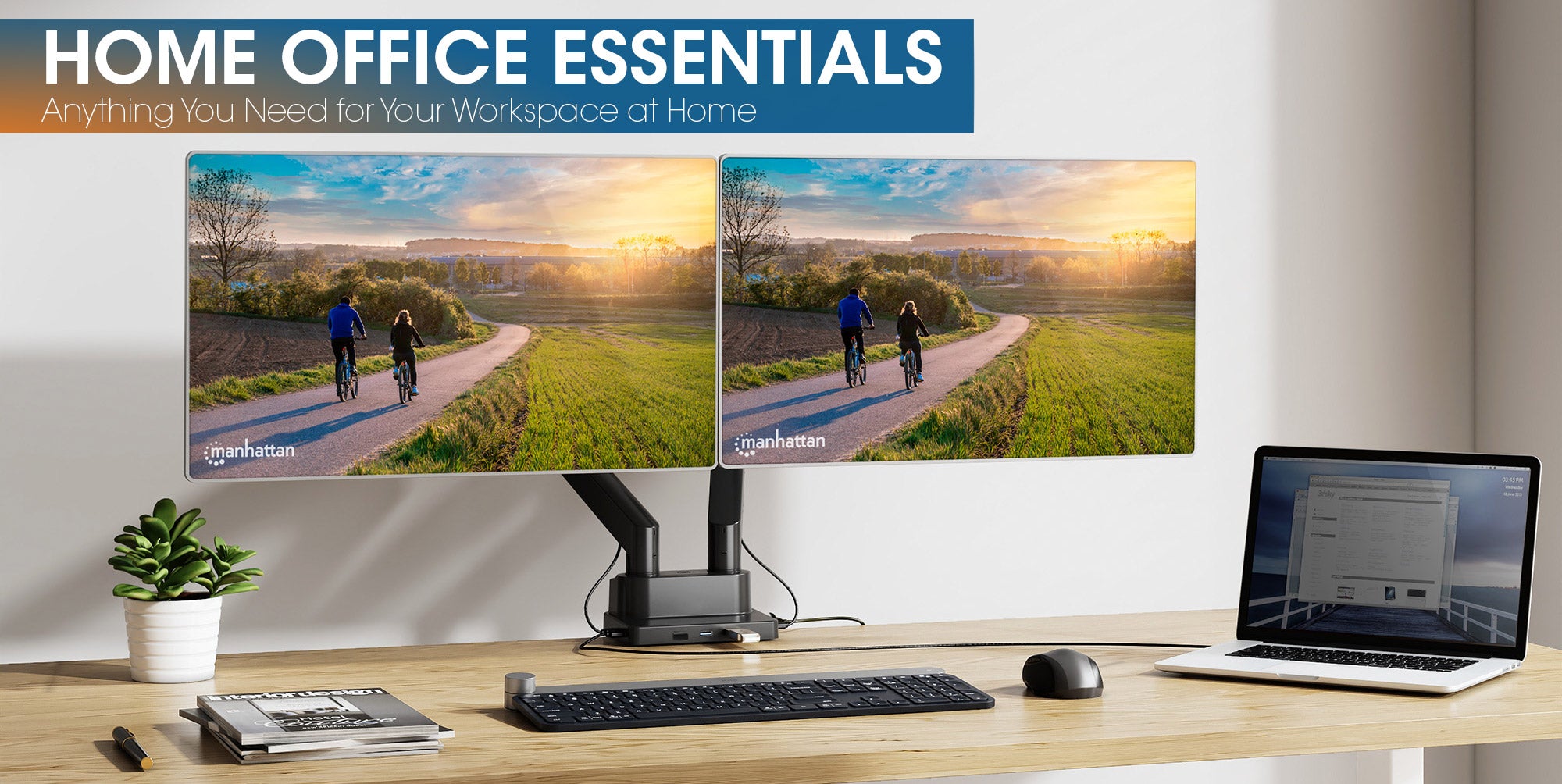
An ergonomically designed workspace improves comfort, posture, and productivity throughout the workday. With monitor mounts, ergonomic mice, footrests, and other accessories, you can create a more organized, flexible, and comfortable setup - ideal for modern working environments at home or in the office.

Dual Monitor Stand with Double-Link Swing Arms, for 13" to 32" Displays
The dual monitor mount creates more desk space and organization while supporting ergonomic screen positioning. Thanks to flexible adjustment options, two monitors can be aligned comfortably - ideal for productive work in the home office or at the office.
View Product
Ergonomic Adjustable Footrest
The ergonomic footrest supports a healthy sitting posture and provides greater comfort throughout the workday. Its adjustable tilt allows for personalized positioning and helps relieve pressure on the legs and back during long hours at the desk.
View Product
Ergonomic Wireless Mouse with 2-in-1 USB Receiver
The ergonomic wireless mouse promotes a natural hand position and ensures comfortable working even during long workdays. With wireless connectivity and USB-A/USB-C compatibility, it is ideal for flexible home office and office setups.
View ProductOrganization for the Home Office
Modern docking stations and USB-C hubs provide better organization, flexible connectivity, and efficient workflows in the home office or office environment. Discover practical solutions for structured and productive workspaces.

USB-C PD 12-in-1 Triple Monitor 4K Docking Station / Multiport Hub
The 12-in-1 USB-C docking station expands your laptop with a wide range of connectivity options and supports up to three monitors. It conveniently connects displays, network access, and peripheral devices through a single cable.
View Product
4-Port USB 3.0 Type-C / Type-A Combo Hub
The compact 4-port USB hub expands your laptop or PC with additional USB ports for a mouse, keyboard, storage devices, and more. Thanks to its combined USB-C and USB-A connectivity, it is ideal for flexible home office and workspace setups.
View Product
USB-C to HDMI (4K@30Hz) 3-in-1 Docking Converter with Power Delivery
The compact 3-in-1 USB-C adapter quickly connects your laptop to a monitor, USB devices, and power supply at the same time. Ideal for mobile workstations, presentations, and flexible home office setups with just a single connection.
View ProductPopular Home Office Setups
Flex Setup
Ideal for flexible workspaces, hybrid work, and mobile setups with compact connectivity and practical accessories.
Ergonomic Setup
Ergonomic workspace solutions for greater comfort, additional connectivity, and focused productivity throughout the workday.
Professional Setup
High-performance solutions for multi-monitor workstations, maximum connectivity, and professional work environments.

How do I set up an ergonomic workspace at home?
An ergonomic workspace should support healthy posture while enabling efficient and comfortable work. Important factors include an ergonomic monitor height, sufficient freedom of movement, and comfortable input devices.
Monitor mounts help position screens at eye level, while ergonomic mice, keyboards, and footrests can reduce strain on the back, neck, and wrists.
Which products are essential for a modern home office?
A modern home office usually consists of several coordinated components, including:
- Docking stations
- USB hubs
- Monitor mounts
- Mice
- Mouse pads
- Keyboards
- Headsets
- Cable management solutions
- Charging solutions
- Bags & carriers
These products improve connectivity, comfort, and productivity throughout the workday.
How does a docking station improve your home office workspace?
Docking stations expand laptops with additional ports and provide a central connection for monitors, network access, mice, keyboards, external storage devices, and power supply through a single cable.
This makes workspaces more efficient and allows devices to connect quickly to home office or office setups.
What is the difference between a docking station and a USB hub?
USB hubs are compact solutions for adding extra USB-A and USB-C ports and are ideal for flexible workspaces or mobile use.
Docking stations typically offer more ports, higher charging capacities, and support for multiple monitors. They are designed for permanent workstation setups in the home office or office.
Which ports should a modern docking station include?
The ideal ports depend on your workspace requirements and connected devices.
For simple home office setups, additional USB-A or USB-C ports for mice, keyboards, or storage devices are often sufficient.
Users with external monitors, wired network connections, or additional peripherals benefit from HDMI, DisplayPort, Ethernet, and Power Delivery for laptop charging. Modern docking stations offer flexible connectivity for everything from compact desks to advanced multi-monitor setups.
What are the different ports on a docking station used for?
Docking stations provide a variety of ports to expand modern workspaces efficiently.
- HDMI, DisplayPort, or VGA are used to connect external monitors and expand screen space
- USB-A and USB-C ports connect accessories such as mice, keyboards, hard drives, USB sticks, or smartphones
- USB-C Power Delivery enables compatible laptops to charge through a single cable
- Ethernet/LAN ports provide a stable wired internet connection
- SD and microSD card readers allow quick access to memory cards
- Audio ports connect headsets or speakers for meetings and multimedia applications
What is USB-C Power Delivery?
USB-C Power Delivery (USB-C PD) is a fast-charging standard for efficient power delivery via USB-C. It allows not only smartphones and tablets, but also laptops, docking stations, and other compatible devices to charge and operate through a single cable.
Many Manhattan docking stations and USB hubs support USB-C PD, enabling flexible and organized workspace setups at home or in the office.
What are the benefits of USB-C charging solutions for the home office?
USB-C charging solutions simplify modern workspace setups because many devices - including laptops, smartphones, tablets, headsets, and accessories - can be charged using the same connection type.
Powerful USB-C chargers and charging stations reduce the number of different power adapters and help keep desks organized.
With USB-C Power Delivery, compatible devices can also charge quickly and efficiently - ideal for flexible home office, hybrid work, and office environments.

What are the benefits of using a monitor mount?
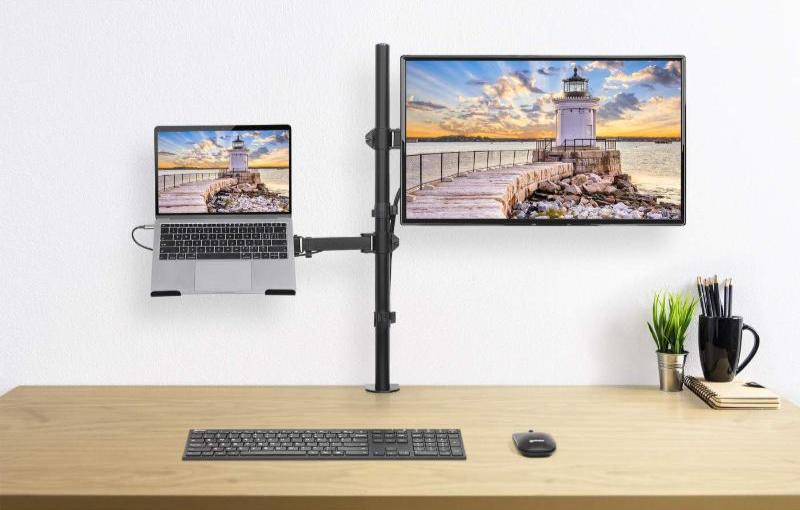
Monitor mounts improve workplace ergonomics by allowing screens to be adjusted flexibly in height, distance, and tilt. This not only creates more desk space, but also enables a more comfortable viewing position.
Especially during long workdays or in multi-monitor setups, monitor mounts can help reduce strain on the neck and back.
Which monitor mounting solution is ideal for two displays?
For ergonomic dual-monitor setups in the home office or office, flexible monitor mounts from Manhattan are especially suitable. Models such as the Universal Gas Spring Monitor Mount with Height-Adjustable Arms, for 17" to 32" Displays allow individual positioning of both screens and provide greater comfort, organization, and freedom of movement at the workspace.
Users who prefer not to use a desk clamp can choose the Dual Monitor Stand with Double-Link Swing Arms, for 13" to 32" Displays as a practical alternative.
For space-saving setups, Manhattan also offers wall mounts for two monitors. Depending on the workspace and monitor size, different options are available for standard, ultrawide, or larger displays up to 49 inches. Important factors when choosing a monitor mount include monitor size, weight, flexibility, and mounting type.
How does a multi-monitor setup improve productivity?
A workspace with multiple monitors makes it easier to work simultaneously with different applications, documents, or video conferences and can improve overall productivity during the workday.
Especially in home office environments, dual- or triple-monitor setups provide better overview and more efficient workflows. With monitor mounts and docking stations from Manhattan, multiple displays can be connected flexibly and positioned ergonomically.
What should you look for in a home office mouse?
For long workdays in the home office, ergonomic mice are especially recommended because they support a natural hand position and help reduce strain on the wrist and forearm. Manhattan offers different models for various working styles - from classic wireless USB mice to ergonomic vertical mice designed for enhanced comfort.
Wireless models also provide greater freedom of movement and a cleaner workspace without cable clutter. Depending on your needs, Manhattan mice offer adjustable DPI levels, additional function buttons, and compact designs for flexible work at home, in the office, or on the go.
Which keyboard is best for comfortable everyday office work?
Comfortable and reliable keyboards are essential for productive work in the home office. Manhattan offers a wide range of models - from space-saving mini keyboards and wireless keyboards to classic full-size and gaming keyboards with multimedia functions.
Depending on the workspace and personal preferences, wireless models provide greater flexibility, while flat keys and ergonomic designs improve comfort during long work sessions. Compact keyboards are ideal for mobile workspaces, while larger models offer additional typing comfort and numeric keypads.
What makes a good headset for virtual meetings and calls?
For video conferences and online meetings, headsets with clear voice quality, comfortable fit, and reliable connectivity are ideal. USB headsets provide an easy plug-and-play solution for laptops and PCs, while wireless models offer greater freedom of movement.
Manhattan offers headsets for home office, office, and mobile work with clear sound for calls, video conferences, and focused working environments.
Which bags and backpacks are suitable for mobile work?
For mobile work, padded laptop bags, sleeves, and laptop backpacks are especially practical for transporting devices safely. Important features include sufficient storage space for accessories, chargers, mice, or documents, as well as a comfortable and durable design.
Manhattan offers bags, sleeves, and backpacks for different laptop sizes - ideal for commuting, hybrid work, and flexible everyday work environments.
How can you organize your home office workspace more efficiently?
Upgrading your existing home office setup can significantly improve comfort, productivity, and organization. Even small adjustments can help create a more efficient and ergonomic workspace.
Docking stations and USB hubs from Manhattan simplify the connection of monitors, networks, and peripheral devices while reducing cable clutter. Monitor mounts create additional desk space and allow ergonomic screen positioning. Wireless mice and keyboards, laptop stands, and cable and charging solutions further support a clean, modern, and flexible home office setup.
Essential Home Office Equipment
From docking stations and USB hubs to monitor mounts, mice, keyboards, bags, cables, and audio accessories - discover modern home office solutions designed for greater comfort, productivity, and flexible connectivity. Manhattan offers practical accessories for organized workspaces at home, in the office, and on the go.


