




TV Mounts, TV Stands and TV Carts


-
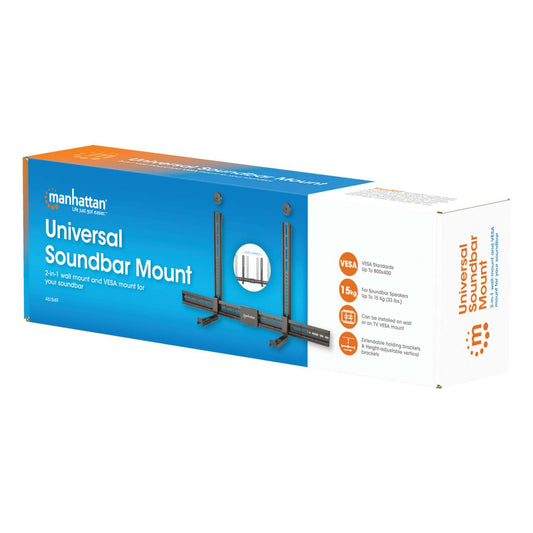
Universal Soundbar Mount
Wall Mount or VESA Mount, Compatible with Soundbars up to 15 kg (33 lbs.), Depth-Adjustable, Mounts Above or Below TV, BlackPart-No.: 461849Regular price €37,99Regular priceUnit price per -
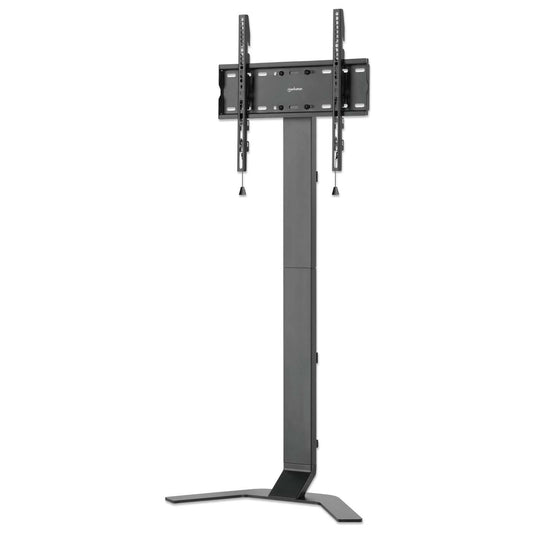
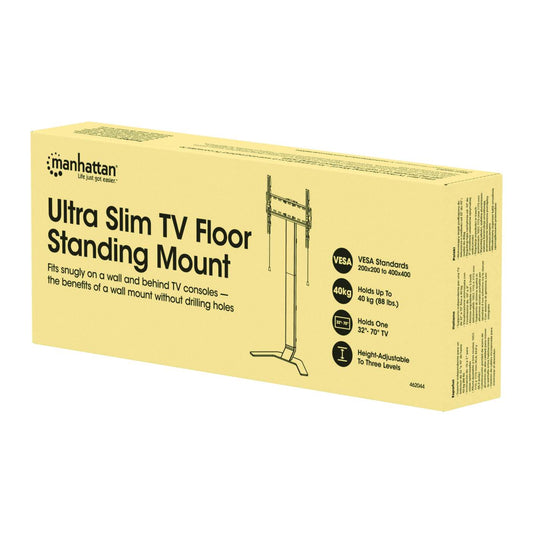
Ultra Slim TV Floor Standing Mount, for 32" to 70" Displays
Holds One 32" to 70" TV up to 40 kg (88 lbs.), -10 to 3° Tilt, Height Adjustable, Fits Behind TV Console, Aluminum-steel Construction, BlackPart-No.: 462044Regular price €160,99Regular priceUnit price per -
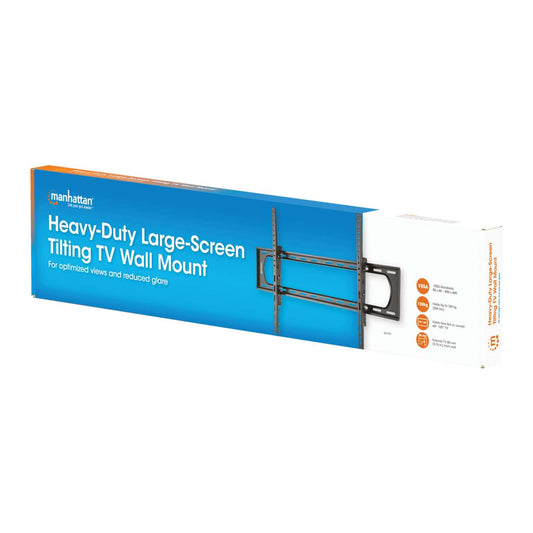
Heavy-Duty Large-Screen Tilting TV Wall Mount, for 60" to 120" Displays
Holds One 60" to 120" TV up to 120 kg (264 lbs.), +/-10° Tilt, BlackPart-No.: 461931Regular price €60,99Regular priceUnit price per -
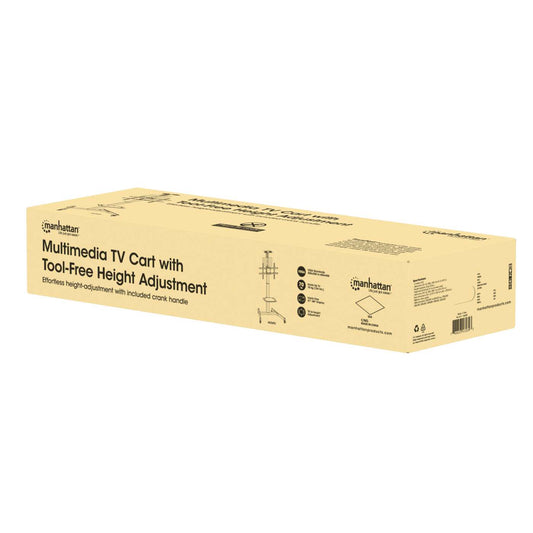
Multimedia TV Cart with Tool-Free Height Adjustment, for 37" to 86" Displays
Holds One 37" to 86" TV up to 70 kg (154 lbs.), -12 to 5° Tilt, 90° Rotation, Camera and AV Shelves, Pegboard, Height-Adjustable with Crank Handle, BlackPart-No.: 462693Regular price €249,99Regular priceUnit price per -
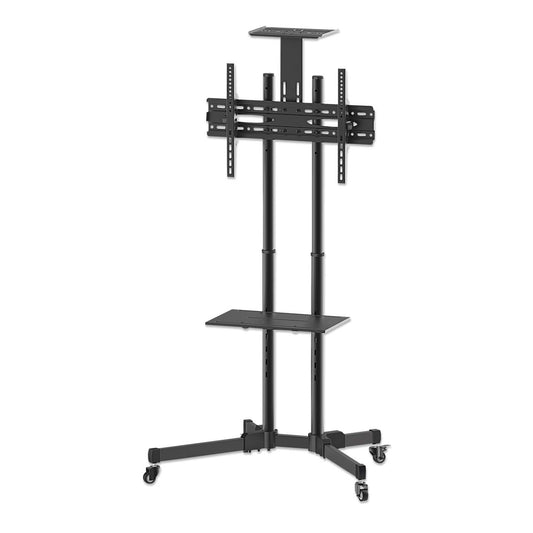
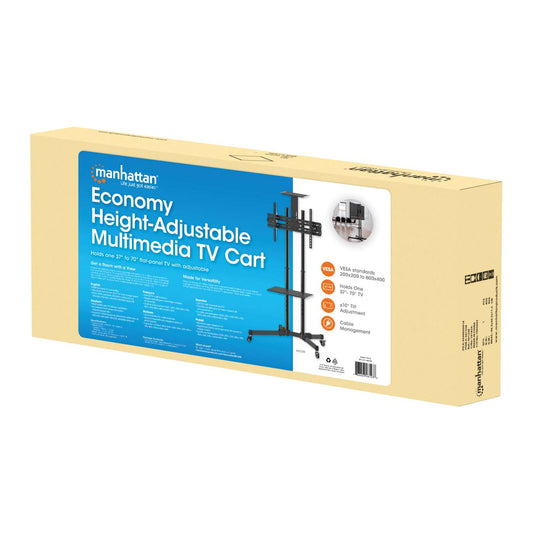
Economy Height-Adjustable Multimedia TV Cart, for 37" to 70" Displays
Holds One 37" to 70" TV up to 50 kg (110 lbs.); +/- 10° Tilt, Removable Camera and AV Shelves, BlackPart-No.: 461238Regular price €152,99Regular priceUnit price per -
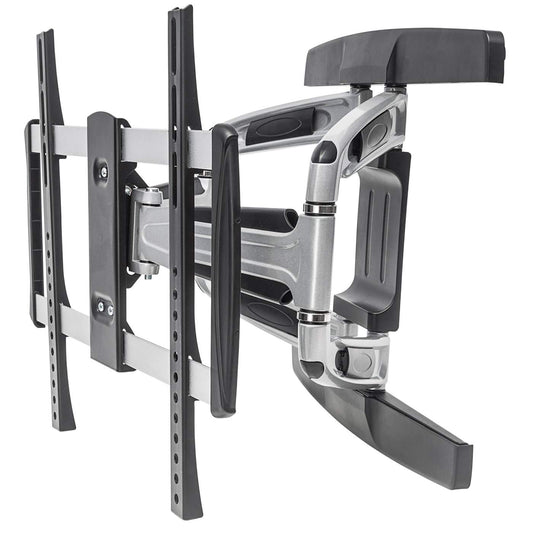
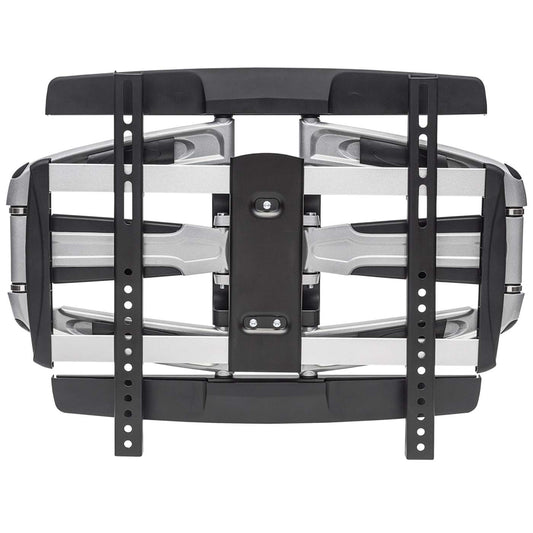
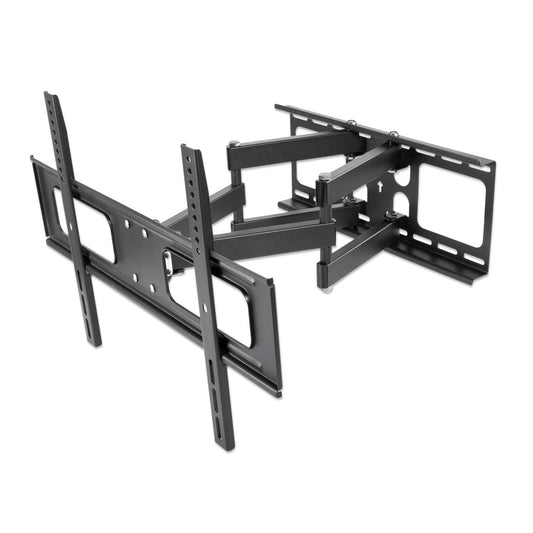
Universal Aluminum LCD Full-Motion Wall Mount, for 32" to 55" Displays
Holds One 32" to 55" Flat-Panel or Curved TV up to 50 kg (110 lbs.); Adjustment Options to Tilt, Swivel and Level; Black & SilverPart-No.: 461306Regular price €49,99Regular priceUnit price per -
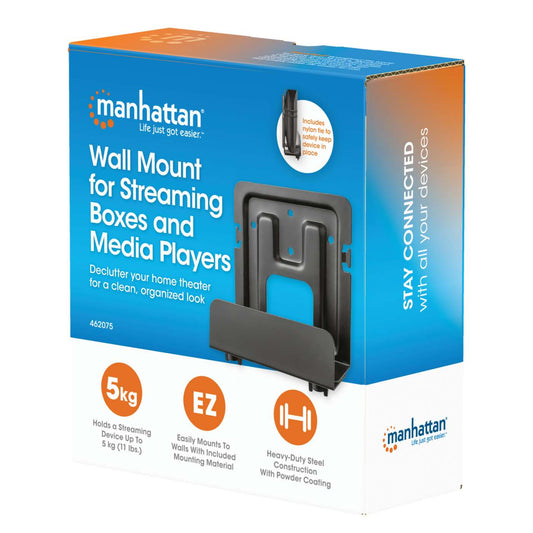
Wall Mount for Streaming Boxes and Media Players
Holds a Streaming Device (Apple TV®, Roku®, Xiaomi® or Raspberry Pi® and More) up to 5 kg (11 lbs.), Extendable 47 - 76 mm (1.85 - 2.99 in.), Steel, BlackPart-No.: 462075Regular price €10,86Regular priceUnit price per -
Mounting Bracket for Streaming Boxes and Media Players
Hides a Streaming Device (Apple TV®, Roku®, Xiaomi® or Raspberry Pi® and More) up to 5 kg (11 lbs.) Behind Your TV, Attaches to TV/TV Mount/Wall, Steel, BlackPart-No.: 462082Regular price €8,99Regular priceUnit price per -
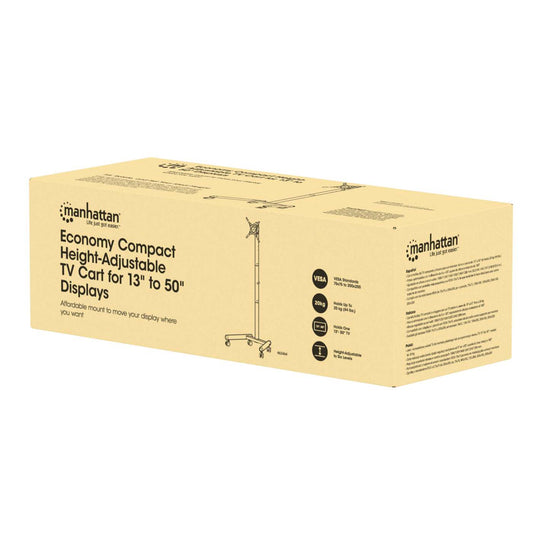
Economy Compact Height-Adjustable TV Cart, for 13" to 50" Displays
Holds One 13" to 50" TV up to 20 kg (44 lbs.), +30° Tilt, Space-saving Design, BlackPart-No.: 462464Regular price €57,99Regular priceUnit price per -
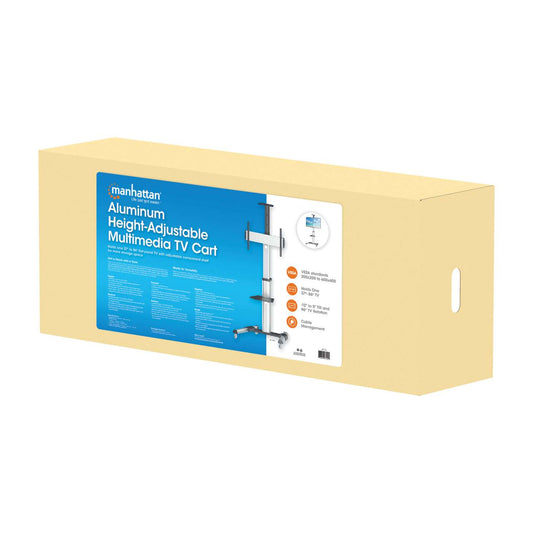
Aluminum Height-Adjustable Multimedia TV Cart, for 37" to 86" Displays
Holds One 37" to 86" TV up to 50 kg (110 lbs.), -12 to 5° Tilt, 90° TV Rotation; Removable Camera and AV Shelves, Silver and BlackPart-No.: 461245Regular price €303,99Regular priceUnit price per -
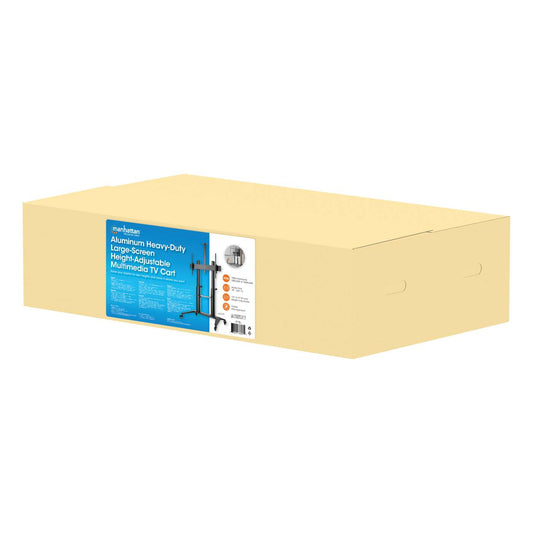
Aluminum Heavy-Duty Large-Screen Height-Adjustable Multimedia TV Cart
Holds One 70" to 120" TV up to 140 kg (308 lbs.), -10 to 5° Tilt, Shelves for Laptop/AV Devices and Camera, BlackPart-No.: 462341Regular price €681,99Regular priceUnit price per -
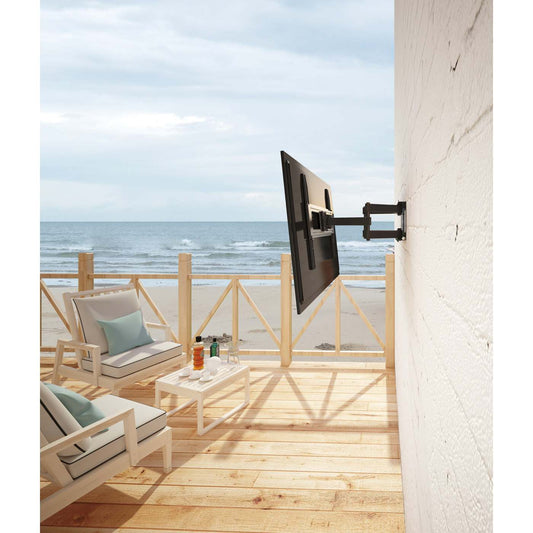
Outdoor Full-Motion TV Wall Mount, for 37" to 86" Displays
Holds One 37" to 86" TV up to 50 kg (110 lbs.), Weatherproof Design, Adjustment Options for Tilt, Swivel and Post-installation Leveling, BlackPart-No.: 462150Regular price €142,99Regular priceUnit price per -
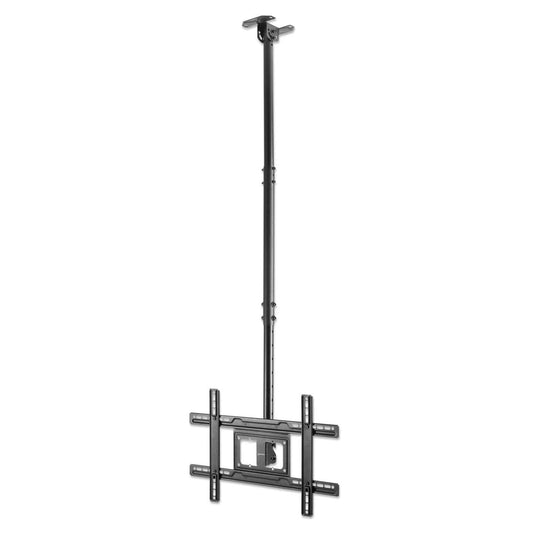
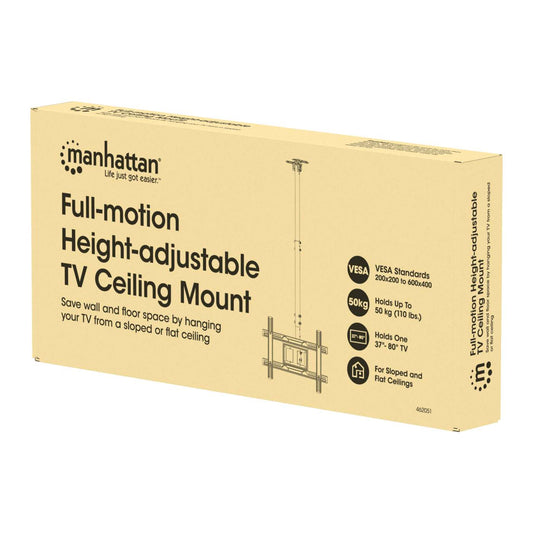
Full-Motion Height-Adjustable TV Ceiling Mount, for 37" to 80" Displays
Holds One 37" to 80" TV up to 50 kg (110 lbs.), for Sloped and Flat Ceilings, +/-30° Swivel, +5 to -25° Tilt, 707 to 1577 mm (28 to 62 in.) Telescopic Extension, BlackPart-No.: 462051Regular price €85,99Regular priceUnit price per -
Anti-Theft Tilting TV Wall Mount with Extension, for 43" to 90" Displays
Holds One 43" to 90" TV up to 75 kg (165 lbs.), Extends 75 to 136 mm (2.94 to 5.34 in.) for Easier Cabling, +5 to -10° Tilt, +/-5° Swivel, +/- 6 mm Post-installation Leveling, BlackPart-No.: 461863Regular price €56,99Regular priceUnit price per -
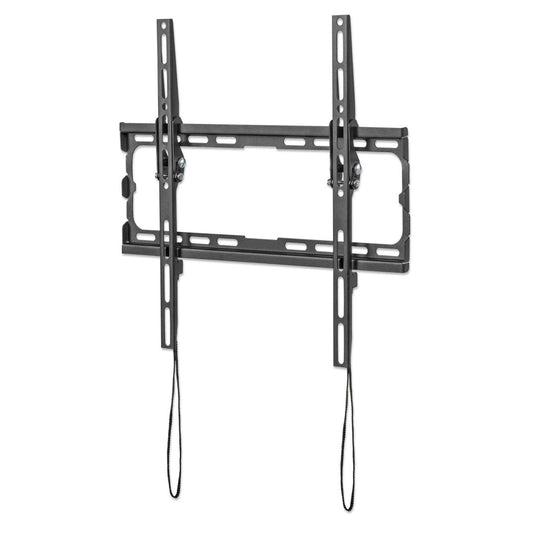
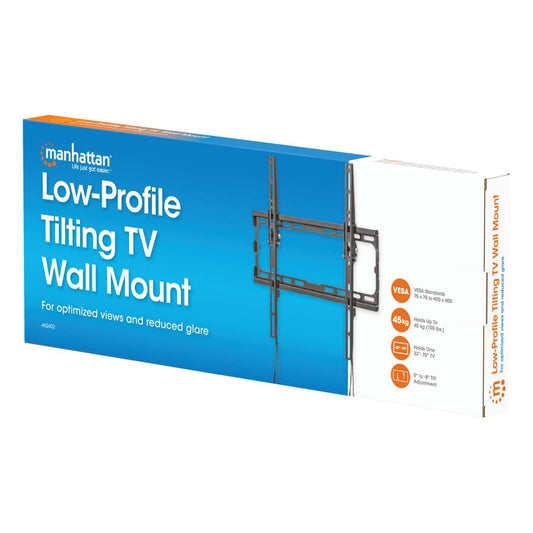
Low-Profile Tilting TV Wall Mount, for 32" to 70" Displays
Holds One 32" to 70" TV up to 45 kg (100 lbs.), 0° to -8° Tilt, Ultra Slim Design, BlackPart-No.: 462402Regular price €18,99Regular priceUnit price per -
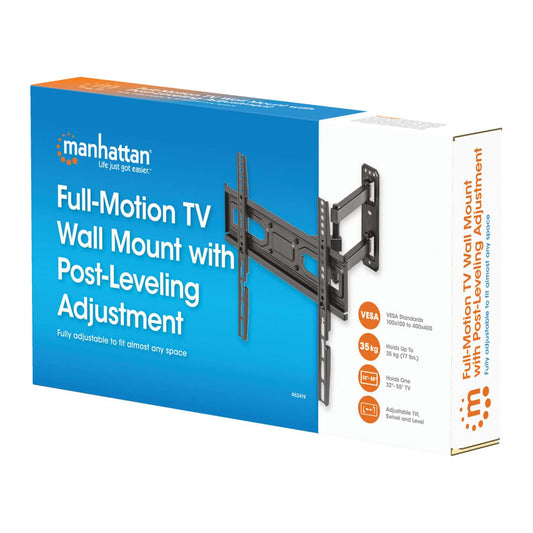
Full-Motion TV Wall Mount with Post-Leveling Adjustment, for 32" to 55" Displays
Holds One 32" to 55" TV up to 35 kg (77 lbs.), Adjustment Options for Tilt, Swivel and Post-installation Leveling, BlackPart-No.: 462419Regular price €31,99Regular priceUnit price per











Which TV mount is right for your TV?
Answer four short questions and discover matching TV wall mounts, TV stands and TV carts.
Matching TV mounts
Sorry, we couldn't find a clear match.
Please review your selection or browse all TV mounts. If you need help, our customer service team will be happy to assist you.
View all TV mountsWhy Choose Manhattan TV Mounts?
-

Universal Compatibility
Compatible with VESA-compliant TVs and monitors
-

Versatile Solutions
Models for wall or ceiling mounting, on wheels, or as a TV stand
-

Flexible Adjustment
Tilt, swivel, rotate, and height-adjustable for the optimal viewing angle
-

Secure Hold
Suitable for large and heavy TVs. Selected models include anti-theft protection
-

Easy Installation
Quick setup with clear instructions. Installation videos available on product pages
-

10-Year Warranty
Quality built to last for years


How to Install a TV Wall Mount

Which TV Brands and Models Are Compatible?
Manhattan TV mounts are universally compatible and fit TVs from many leading manufacturers, including:
- Samsung
- LG
- Sony
- Philips
- Panasonic
- Hisense
- Sharp
- Toshiba
- Xiaomi
- and many more
The key factors for compatibility are:
- VESA standard of the TV
- Screen size
- Weight of the device
If these specifications match the mount, your TV can be installed safely and securely.
What TV Sizes and Weights Are Supported?
Manhattan TV wall mounts support a wide range of TV sizes and weights.
Depending on the model, they are suitable for:
- Screen sizes from approximately 13" to 120"
- Weight capacities of up to 150 kg (330 lbs)
For exact specifications, including supported sizes, VESA patterns, and maximum load capacity, please refer to the individual product details.
Which VESA Standards Are Supported?
The VESA standard (Video Electronics Standards Association) defines the distance between the mounting holes on the back of a TV or monitor. This measurement determines whether a TV mount is compatible with your device.
Our Manhattan TV mounts support a wide range of commonly used VESA patterns, including:
- 100 × 100 mm
- 200 × 200 mm
- 400 × 400 mm
- 600 × 400 mm
To ensure a safe and secure TV installation, the mount must support the same VESA pattern as your TV.
For best results, always check your TV’s specifications or manual before choosing a compatible VESA mount.
What Are the Benefits of Fixed, Tilt, and Full-Motion TV Mounts?
Different types of TV mounts offer specific advantages depending on your setup and viewing needs:
Fixed TV Wall Mounts
- Ultra-slim, low-profile design
- Stable and space-saving installation
- Ideal for a fixed viewing position
Tilt TV Wall Mounts
- Allows the screen to tilt up or down
- Helps reduce glare and reflections
- Improves viewing comfort, especially when mounted higher
Full-Motion TV Wall Mounts
- Can swivel, tilt, and rotate
- Offers maximum flexibility for multiple viewing angles
- Perfect for corner installations or changing seating positions
Choosing the right type of TV mount ensures optimal viewing comfort, better space utilization, and a clean, modern setup.
Can I Tilt, Swivel, or Rotate My TV?
Yes. Many Manhattan TV mounts are adjustable and offer flexible positioning options for optimal viewing comfort:
- Tilt the screen up or down to reduce glare and improve visibility
- Swivel left or right for better viewing angles from different seating positions
- Rotate or adjust height on selected models for even greater flexibility
These features allow you to perfectly align your TV with different room layouts and seating arrangements, ensuring the best possible viewing experience.
Where Can TV Mounts Be Installed?
TV mounts can be installed in various locations depending on the model and intended use:
- On the wall for a classic, space-saving setup
- On the ceiling for special room layouts or commercial use
- In corners to maximize space efficiency
- On floor stands for flexible placement without drilling
- On mobile TV carts with wheels for easy movement
This versatility allows TVs to be installed in a wide range of environments, including living rooms, offices, conference rooms, hospitality settings, and public spaces.
Which Settings Are TV Mounts Best Suited For?
TV mounts are versatile and suitable for a wide range of environments and use cases, including:
- Home living rooms for a clean and space-saving setup
- Offices and conference rooms for presentations and meetings
- Hotels and hospitality venues for guest entertainment
- Gyms and fitness studios for visible screen placement
- Educational institutions such as schools and universities
- Digital signage displays in retail or business environments
- Public areas like waiting rooms or reception areas
They enable a secure, space-saving, and flexible installation of TVs and monitors in virtually any setting.
How High Should a TV Be Mounted on the Wall?
For optimal viewing comfort, the center of the screen should be positioned at eye level when seated.
In most living rooms, this typically means:
Approximately 100–110 cm (39–43 inches) from the floor to the center of the screen.
If the TV is mounted higher, for example above a fireplace, using a tilt TV wall mount is recommended to adjust the viewing angle and reduce neck strain.
Proper TV height ensures a more comfortable and ergonomic home entertainment experience.

How Does Cable Management Work?
Many Manhattan TV mounts feature integrated cable management systems to keep your setup clean and organized.
Cables can be:
- Routed through the mount arms for a hidden appearance
- Secured with built-in clips or cable channels
This keeps power and HDMI cables neatly organized, creating a tidy look while also reducing trip hazards and protecting cables from damage.
Do TV Mounts Have Anti-Theft Protection?
Some Manhattan TV wall mounts feature integrated anti-theft protection for added security.
This typically consists of a lockable mechanism that prevents the TV from being removed without tools.
These solutions are especially suitable for:
- Digital signage installations
- Hotels and hospitality environments
- Restaurants and bars
- Public areas
- Conference rooms
Anti-theft TV mounts provide extra security, making them ideal for commercial and high-traffic environments.
What Materials Are TV Mounts Made Of?
Our Manhattan TV mounts are typically made from high-quality steel or aluminum, each offering specific advantages depending on the application.
Aluminum TV Mounts
- Lightweight design for easier handling and installation
- Modern, slim construction for a clean look
- High corrosion resistance
- Environmentally friendly and recyclable
Steel TV Mounts
- High load capacity for heavier TVs
- Extremely durable and robust construction
- Ideal for large screens or professional installations
The right choice depends on your TV size, weight capacity requirements, and intended use.
Can I Install a TV Wall Mount Without Professional Experience?
Yes. Many Manhattan TV mounts are designed for easy DIY installation, even without prior technical experience.
Installation is typically straightforward with:
- Included mounting hardware
- A detailed step-by-step installation guide
- A built-in or attachable spirit level for precise alignment
For larger or heavier TVs, it is recommended to have a second person assist with the installation to ensure safety and proper positioning.
Do I Need Special Tools to Install a TV Wall Mount?
No special tools are usually required to install a TV wall mount.
In most cases, the following standard tools are sufficient:
- Drill
- Screwdriver or ratchet
- Spirit level for proper alignment
- Pencil to mark drill holes
All Manhattan TV mounts come with the necessary mounting hardware and installation instructions, making setup quick and easy.
How Do I Securely Mount a TV Wall Mount on Different Wall Types?
Before installation, always check the following:
- Weight of the TV
- Type of wall
- Hidden cables or pipes (electricity, water)
Different wall types require specific mounting methods:
Drywall / Plasterboard
- Suitable only to a limited extent
- Use special drywall anchors (hollow-wall anchors)
- Full-motion mounts are generally not recommended
Wood Stud Walls
- Secure the mount directly into the load-bearing wooden studs
- Provides strong and reliable support
Hollow Brick (Perforated Brick)
- Use special anchors or chemical anchors (injection anchors)
- Ensures a firm hold in less solid materials
Concrete or Solid Brick Walls
- Use standard wall plugs and screws (approx. 8–10 mm)
- Offers the most stable and secure installation
If you are unsure, professional installation by a qualified technician is recommended to ensure safety and proper mounting.
What Should I Do If the TV Mount Doesn’t Fit My TV?
If a TV mount does not seem to fit your TV, first check the following:
- VESA standard of your TV
- Supported screen size of the mount
- Maximum weight capacity of the mount
Our Manhattan TV mounts include VESA adapters, making them compatible with a wider range of screen sizes and mounting patterns.
If you are still unsure, our customer support team will be happy to assist you in finding the right TV wall mount for your setup.
Is There a Warranty on TV Mounts?
Yes. Manhattan TV and monitor mounts come with a 10-year warranty, ensuring long-term reliability and peace of mind.
Please note that some specialized products, such as our magnetic smartphone mounts, are covered by a 3-year warranty.
This extended warranty reflects the high quality and durability of Manhattan mounting solutions.
What Does the VESA Standard Mean for TV Mounts?


