





Charging Cabinets: What to Consider
Which charging cabinet is right for your needs?
Tablets, laptops, Chromebooks and smartphones are now part of everyday life in schools, businesses, hotels and many other environments. When multiple devices are used regularly, they need more than just charging: they also need organized storage and protection from unauthorized access.
The right solution therefore depends on more than the number of charging bays. The charging method, power output, device dimensions, installation method and locking system are just as important.

Typical applications
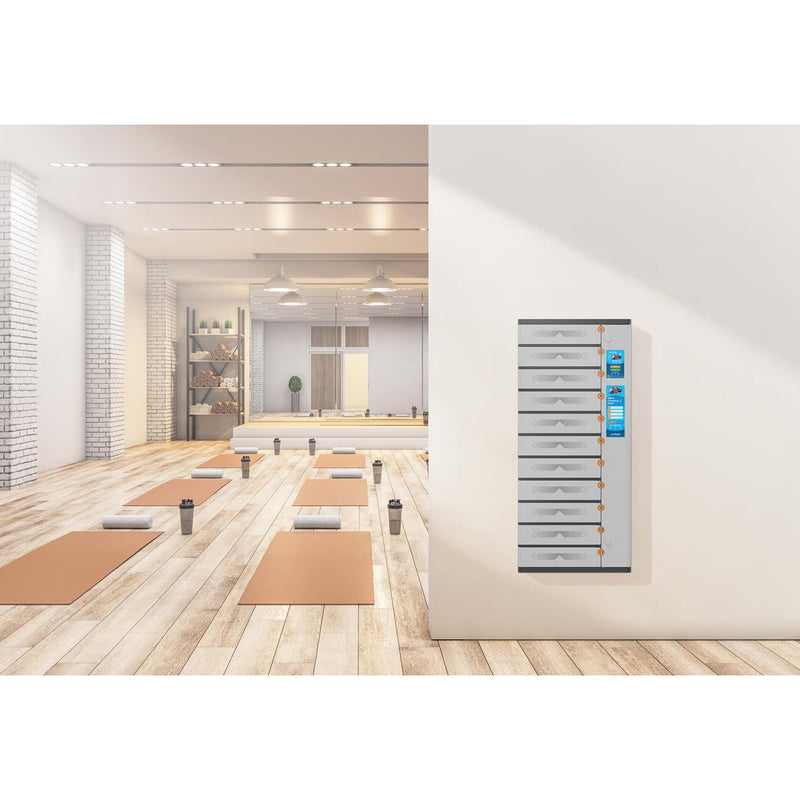
Whether behind the scenes or in guest areas, devices for staff or guests can be charged centrally and stored securely without loose cables or chargers getting in the way.
Charge multiple tablets or laptops at the same time in classrooms, lecture halls or training rooms, then store them securely so they are ready for the next session.
Keep shared devices organized in offices and hot-desking environments so they stay charged and ready to use.
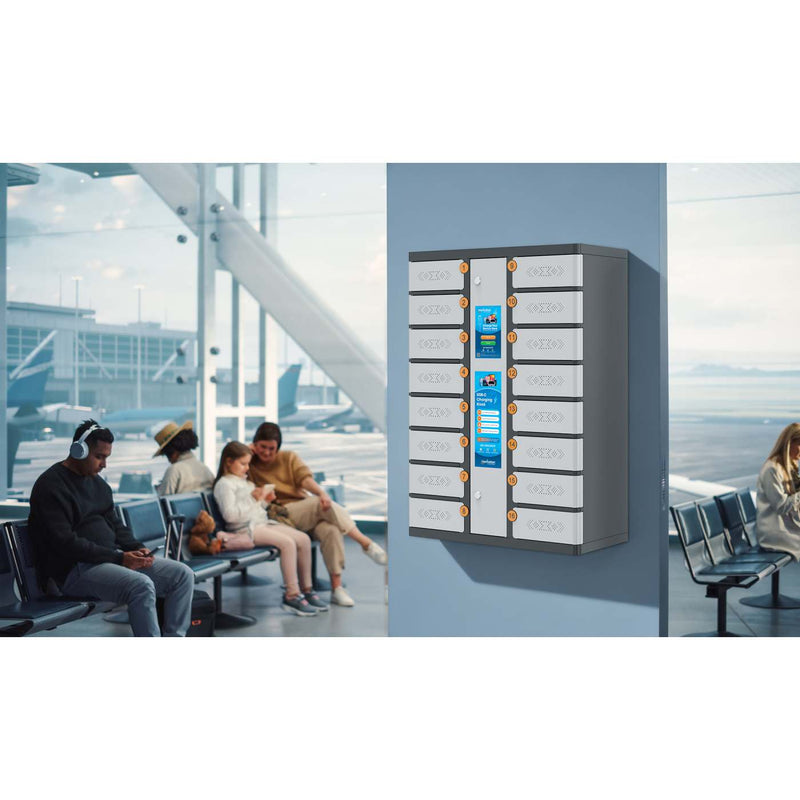
Provide secure charging points for changing users in airports, stations or shopping centres, with controlled access and protected storage.
Keep devices charged and securely stored in clinics, practices or waiting areas so they remain available throughout the day.
Organize shared devices centrally in sales areas or stockrooms so staff can access them quickly whenever needed.


USB-C or AC outlets?
One of the first decisions is how the devices will be powered. Manhattan offers charging cabinets with integrated USB-C Power Delivery ports as well as models with AC outlets for different regional standards.
Charge directly via USB-C – no external power adapters required
Connect compatible USB-C devices directly to the cabinet’s charging ports. Separate power adapters and wall chargers are no longer needed, reducing cable clutter and simplifying cable management.
Depending on the cabinet, different numbers of USB-C charging ports are available, with 18 W, 30 W or 65 W of power per port.
The range also includes the Thai 10-port USB-C desktop model 181082 .
Since 28 April 2026, the EU common-charger requirements also apply to laptops that can be charged by cable, with USB-C as the harmonized charging interface.
Learn more about the EU regulation
Continue using existing power adapters
Our AC-outlet models are ideal for mixed device fleets and devices that require their own power adapter. Existing chargers can continue to be used regardless of connector type or power requirements.
European versions range from the compact 7-bay model 181280 to the mobile 30-bay model 181198 .
UK versions are also available, including the 10-bay desktop model 181211 , the 20-bay charging cart 181105 and 30-bay charging carts 181174 and 181433 .
18 W, 30 W or 65 W per USB-C port?
USB-C alone does not tell you how much charging power is available. The key factor is always the power level the device requires and supports.
Will your device fit in the cabinet?
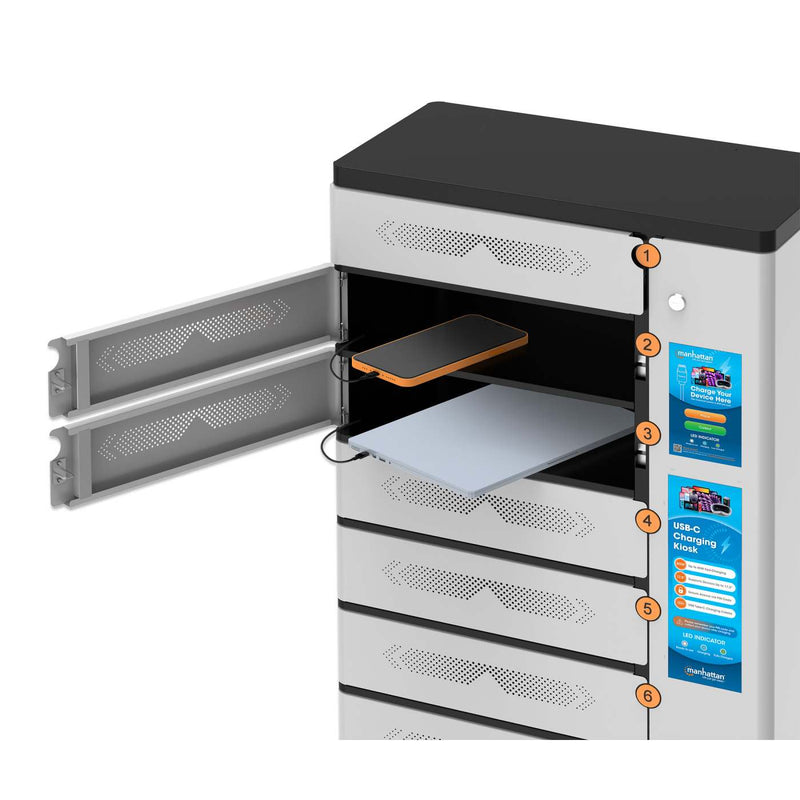
Screen size alone is not always enough
Two devices with the same screen size can differ considerably in depth, width and height. Protective cases can increase their overall dimensions even further.
- The charging kiosk 181334 is designed for smartphones and tablets up to 11 inches.
- The models 181310 und 181327 provide significantly larger individual compartments for devices up to 17.3 inches.
- The 7-bay designs are intended for laptops, tablets and Chromebooks rather than as a dedicated smartphone solution.
- The compartment dimensions are listed in the product specifications, so you can compare them directly with your devices.

What installation options are available?

Compact models for desks, counters or other fixed work surfaces.

Mobile charging carts can be moved easily between rooms and locations.
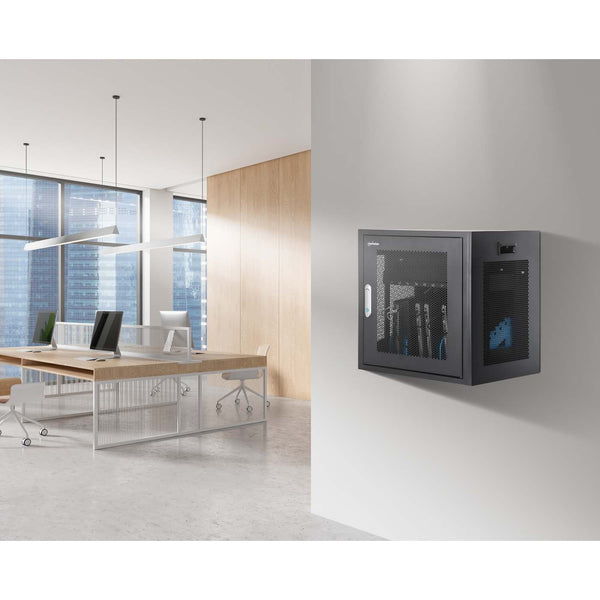
A space-saving fixed installation at a convenient operating height, with additional protection against unauthorized removal.

Especially useful for charging kiosks and permanent self-service stations.
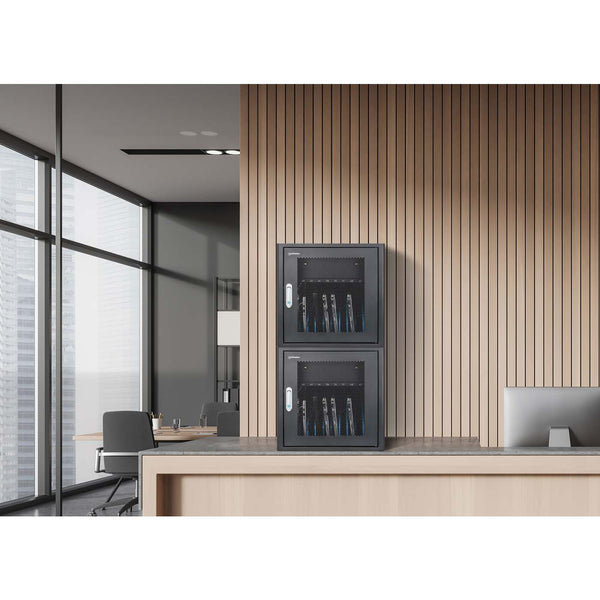
Compatible desktop models can provide more charging bays without requiring additional footprint.
All three charging kiosks can be paired with a pedestal
For elevated, permanent floor installation, each of the three charging kiosks has a matching anti-theft pedestal. The pedestals also support clean cable management.
What locking options are available?
Key
A classic centralized locking solution for environments where authorized staff need access to the entire device fleet.
Examples: 181297 , 102353 as well as several AC-outlet models.
Key or PIN
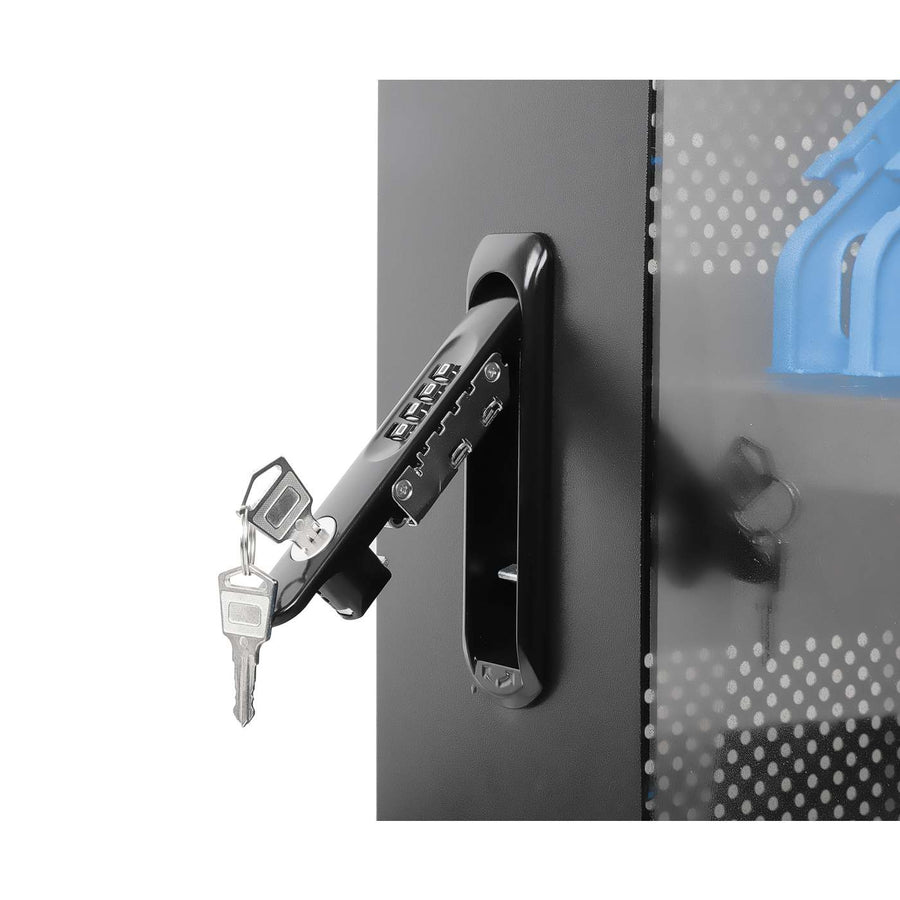
These models can be opened using either method: with a key or with a PIN code.
Individual user PIN per compartment
For self-service applications, each compartment can be used independently with a personal PIN entered on the touchscreen.

Which Manhattan charging cabinet is right for you?
Find the right solution step by step. After each selection, only options that are actually compatible with the remaining charging cabinets are shown.
Matching charging cabinets
Note: The finder is intended as a pre-selection tool. Prices and current availability are not stored here; please check the individual product page for the latest information.
The right solution for your device fleet
Whether you need USB-C or AC outlets, a desktop cabinet or charging cart, centralized locking or individual compartments, the right configuration depends on your devices, charging requirements, location and preferred access method.
You can find more information about Manhattan charging cabinets on the collection page, including FAQs, a detailed comparison table and a product video. Selected models also include additional product videos on their individual product pages.